
Microsoft Office
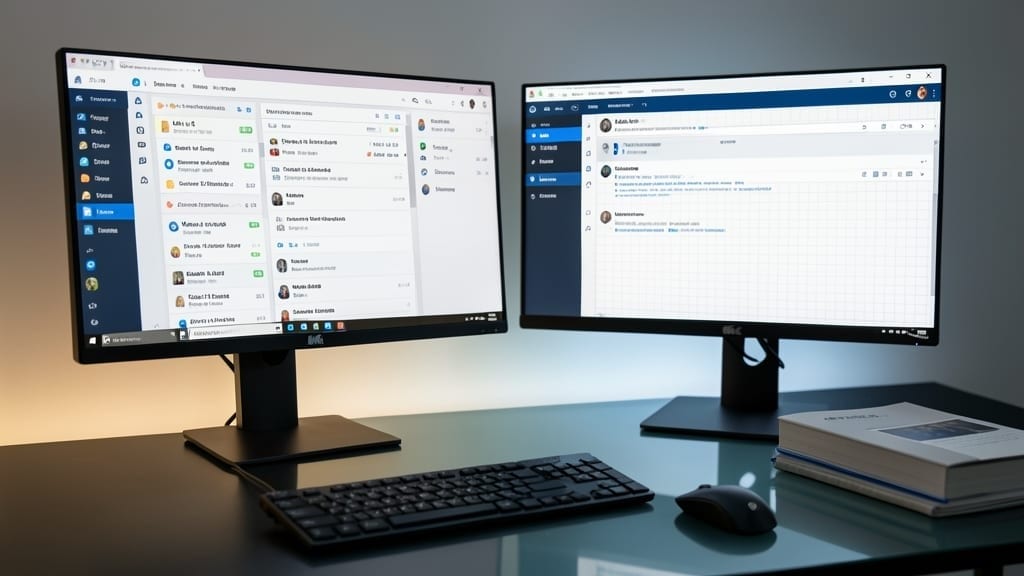
Microsoft Teams is transforming modern classrooms by making collaboration, communication, and lesson delivery more efficient. These 10 benefits show how teachers can leverage Teams to save time, engage students, and create interactive learning experiences—all within a secure, familiar platform.
Seamless Classroom Communication Hub
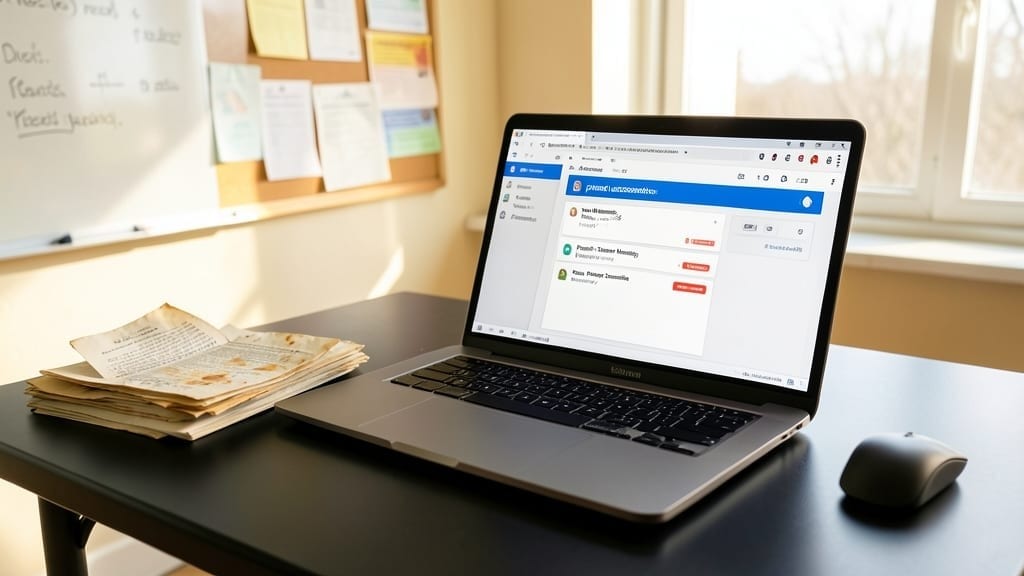
Tired of digging through emails and lost announcements to find the latest class updates? Microsoft Teams turns your classroom into a single, organized hub where every message, assignment, and reminder lives in one place.
The pinned announcements feature ensures critical updates (like test dates or field trip details) stay visible at the top, while threaded chats keep discussions tidy. Students get real-time notifications for new posts, and teachers can mute channels to cut down on distractions—no more missed deadlines due to buried emails. With integrated scheduling, you can even post office hours directly in the class chat, making it effortless for students to book time with you.
This is your go-to solution for teachers juggling multiple classes or hybrid learning—cutting prep time by consolidating communication while keeping students on the same page. ✨
Interactive Classroom Lessons with Live Polls
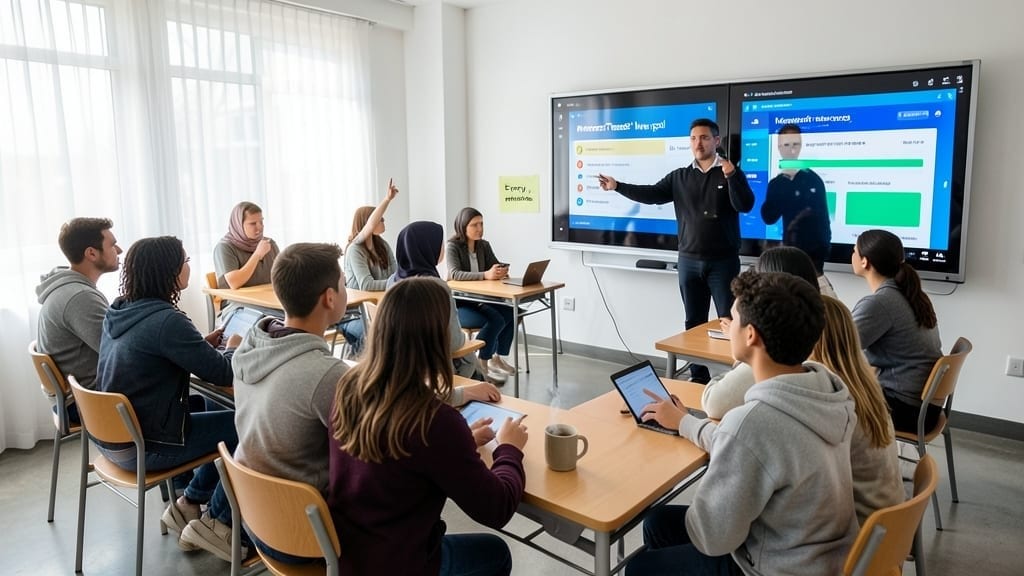
Turn passive lectures into dynamic discussions with Microsoft Teams' live polls and quizzes, designed to make every student's voice count—even in a crowded room. This feature transforms traditional classrooms into interactive hubs where shy students or large groups can participate without the pressure of speaking up in front of peers.
Create real-time polls with just a few clicks, from multiple-choice questions to open-ended Q&A sessions, all displayed instantly on your screen or projected for the class. The Teams Forms integration lets you build quizzes with scoring, while the raise-hand feature helps manage participation in hybrid settings. With anonymous responses, you eliminate social pressure while still capturing honest insights about student comprehension.
Perfect for lecture-heavy subjects like math or science, or discussion-based classes where every student’s input matters. Whether you're teaching 10 students or 100, this tool ensures no one gets left behind in the learning conversation. ✨
One-Stop Assignment and Grading Portal

Tired of drowning in stacks of papers and endless grading sessions? Microsoft Teams’ Assignment feature turns your classroom workflow into a digital powerhouse, handling submissions, feedback, and returns in one place.
With built-in rubrics and commenting tools, you can grade faster—some teachers report saving up to 40% of their time—while students submit work directly through the platform. The real-time status updates let you track progress effortlessly, and automatic reminders ensure no late submissions slip through the cracks.
Perfect for high-volume classes or hybrid learning, this tool keeps everything organized while cutting down on paperwork. Your weekends just got a little quieter. ✨
Virtual Breakout Rooms for Small-Group Learning

Tired of shuffling students between physical rooms for group work? Microsoft Teams’ virtual breakout rooms bring the intimacy of small-group discussions directly to your digital classroom—no desks or chairs required.
With just one click, split your class into up to 50 separate rooms (or fewer for smaller groups), each with its own video, chat, and shared whiteboard. Teachers can monitor progress through a dashboard, jump into any room for quick check-ins, or even record sessions for later review. Perfect for language labs (practice speaking in pairs), debate teams (structured arguments), or peer review workshops—all while keeping everyone engaged without the logistical hassle.
Ideal for educators teaching hybrid or remote classes, this feature turns passive listeners into active participants—just like in-person breakout sessions, but with the flexibility to adapt on the fly. ✨
Integrated Classroom Recording for Absent Students
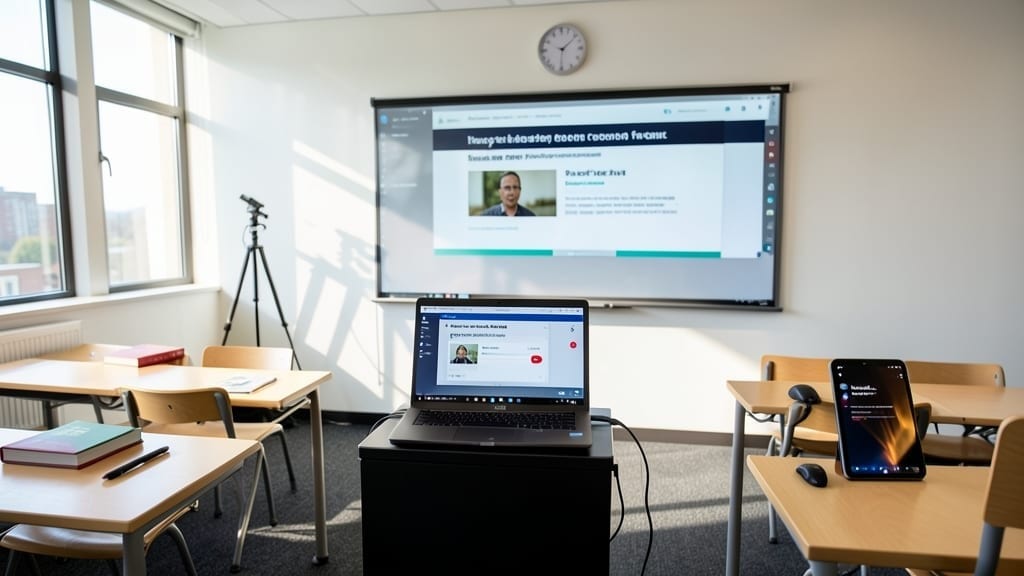
Missed classes don’t mean missed learning. Microsoft Teams’ built-in recording feature captures every lecture, discussion, and presentation automatically—no extra apps or complex setups required. Students absent due to illness, sports, or family commitments can catch up instantly, while those who need extra review can replay key moments at their own pace.
The system records high-quality video and audio directly from your camera and mic, with the option to include screen sharing for presentations. Recordings are stored securely in your Teams channel, where you can organize them by topic or date. Plus, with automatic transcripts (available in English, Spanish, and French), students can search for specific concepts—great for language arts or science classes where key terms matter.
This is a game-changer for substitute teachers, snow days, or hybrid schedules, ensuring continuity when you can’t be in the room. Teachers of all subjects—from math to music—will appreciate how it turns absence into opportunity. ✨
Parent-Teacher Collaboration Made Easy
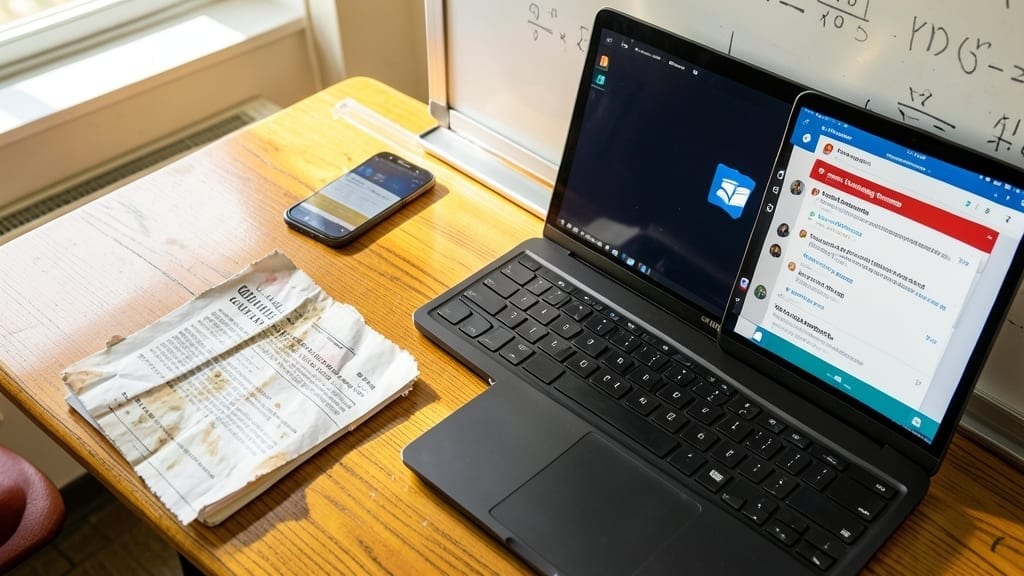
Tired of juggling phone calls, emails, and paper flyers just to keep parents in the loop? Microsoft Teams lets you create dedicated parent channels—private spaces where you can share updates, homework reminders, and school events without ever exposing student data.
With role-based permissions, parents see only what you choose to share, while teachers maintain full control over content. Use the built-in calendar integration to sync events automatically, and attach files like permission slips or volunteer sign-ups directly in the channel. The @mention feature ensures important messages get noticed without flooding inboxes.
This is perfect for elementary teachers coordinating field trips or high school educators managing college prep deadlines—keeping everyone aligned while protecting student privacy. ✨
Real-Time Collaboration on Class Projects
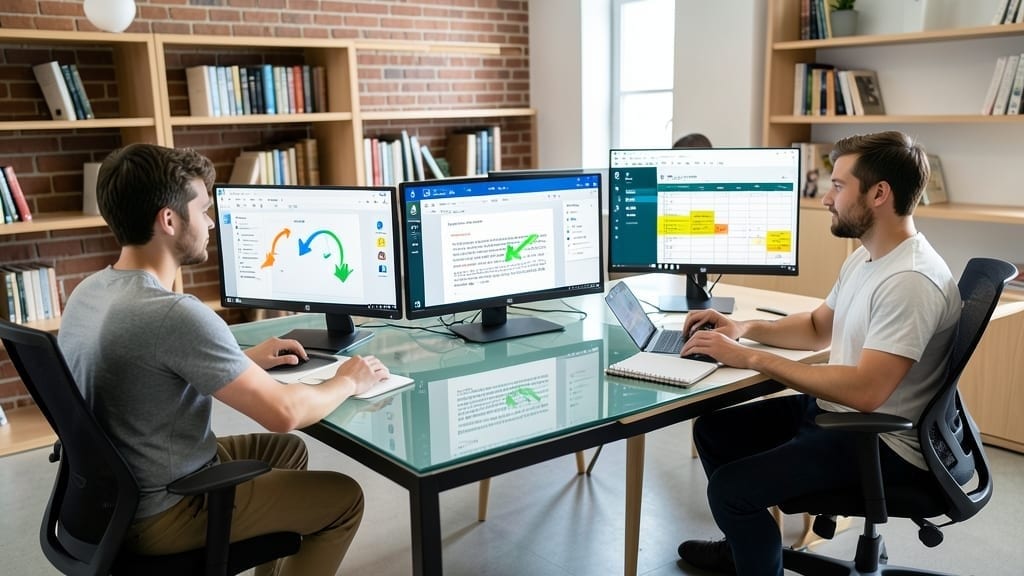
Group projects just got smoother with Microsoft Teams’ real-time co-authoring—no more emailing drafts back and forth or merging conflicting versions of the same document. Students can now edit Word, PowerPoint, and Excel files simultaneously, with live cursors showing who’s working on what section.
The @mentions and comment threads built into shared files turn group work into a collaborative discussion, while version history lets teachers track changes effortlessly. Whether it’s a science lab report or a history presentation, everyone stays on the same page—literally.
This feature is a game-changer for project-based learning, especially for subjects requiring teamwork like debate prep or creative writing. 💡
Built-In Classroom Scheduling Assistant
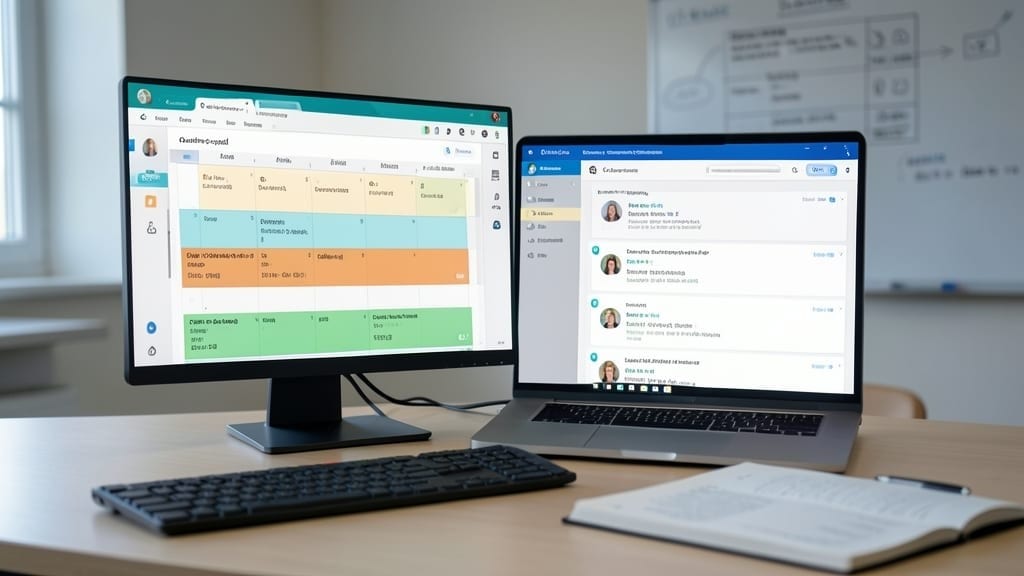
Say goodbye to the back-and-forth emails about rescheduling parent-teacher conferences or office hours. Microsoft Teams’ Built-In Classroom Scheduling Assistant pulls your Outlook calendar directly into the platform, so every meeting—whether it’s a student check-in or a faculty collaboration—appears in one place.
With automatic conflict detection, you’ll never double-book a meeting again. Need to adjust office hours? Drag and drop the time slot in Teams, and the update syncs instantly with Outlook. The assistant also sends automated reminders to students and parents, cutting down on last-minute no-shows. Plus, the color-coded calendar view keeps your week organized at a glance.
This feature is a game-changer for teachers juggling multiple classes, extracurriculars, and administrative duties. It’s especially useful for those who teach hybrid or online courses, where scheduling flexibility is key. ⚡
Secure File Sharing for Classroom Resources
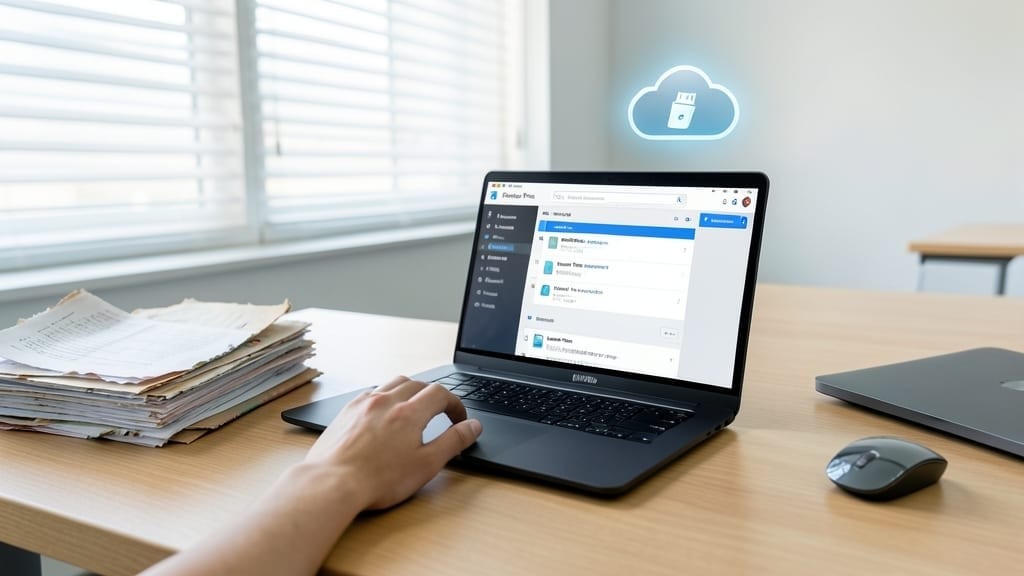
Tired of chasing down lost USB drives or sifting through cluttered email attachments for lesson plans? Microsoft Teams’ Files tab transforms your classroom resources into a searchable, cloud-based library—no more digging through folders or risking lost files.
Organize lesson plans, worksheets, and multimedia in dedicated folders with version control and permission settings to ensure only authorized users access sensitive materials. The integration with OneDrive and SharePoint means files sync across devices, and real-time previews let you check documents without downloading. Plus, AI-powered search finds what you need in seconds—whether it’s last year’s unit plans or a specific video clip.
This is a game-changer for teachers juggling multiple subjects or grade levels, as well as substitute teachers who need quick access to materials. 💻
Customizable Classroom Tabs for Organized Workflows
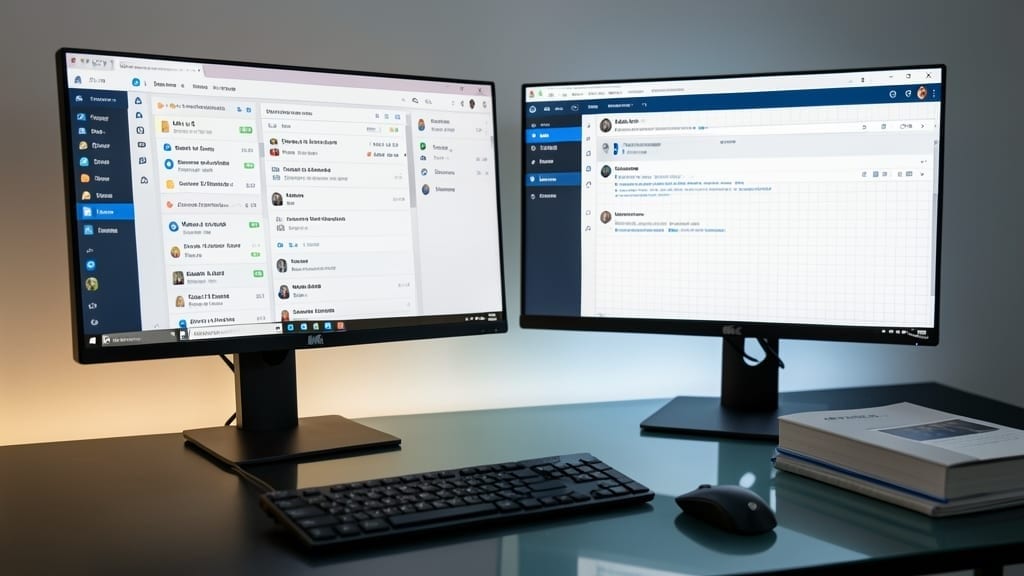
Tired of juggling between tabs for different subjects, projects, or grade levels? Microsoft Teams’ customizable tabs let you create a digital filing system tailored to your teaching style—no more lost lesson plans or cluttered desktops.
With subject-specific tabs (e.g., Math, Science, Literature), project-based folders, or even grade-level channels, you can organize everything in one place. Pin your most-used tools—like OneNote lesson plans or Kahoot! quizzes—right where you need them. The drag-and-drop interface makes rearranging tabs effortless, so your workspace evolves with your curriculum.
Perfect for teachers who switch between multiple classes or subjects, this feature turns Teams into a personalized dashboard that grows with your needs—no tech expertise required. ✨