PowerPoint
High school students can turn ordinary assignments into exceptional learning experiences with Microsoft Office projects. These 10 PowerPoint presentations and Office-based tasks will sharpen skills, improve grades, and prepare students for college-level work—all while making classwork more engaging.
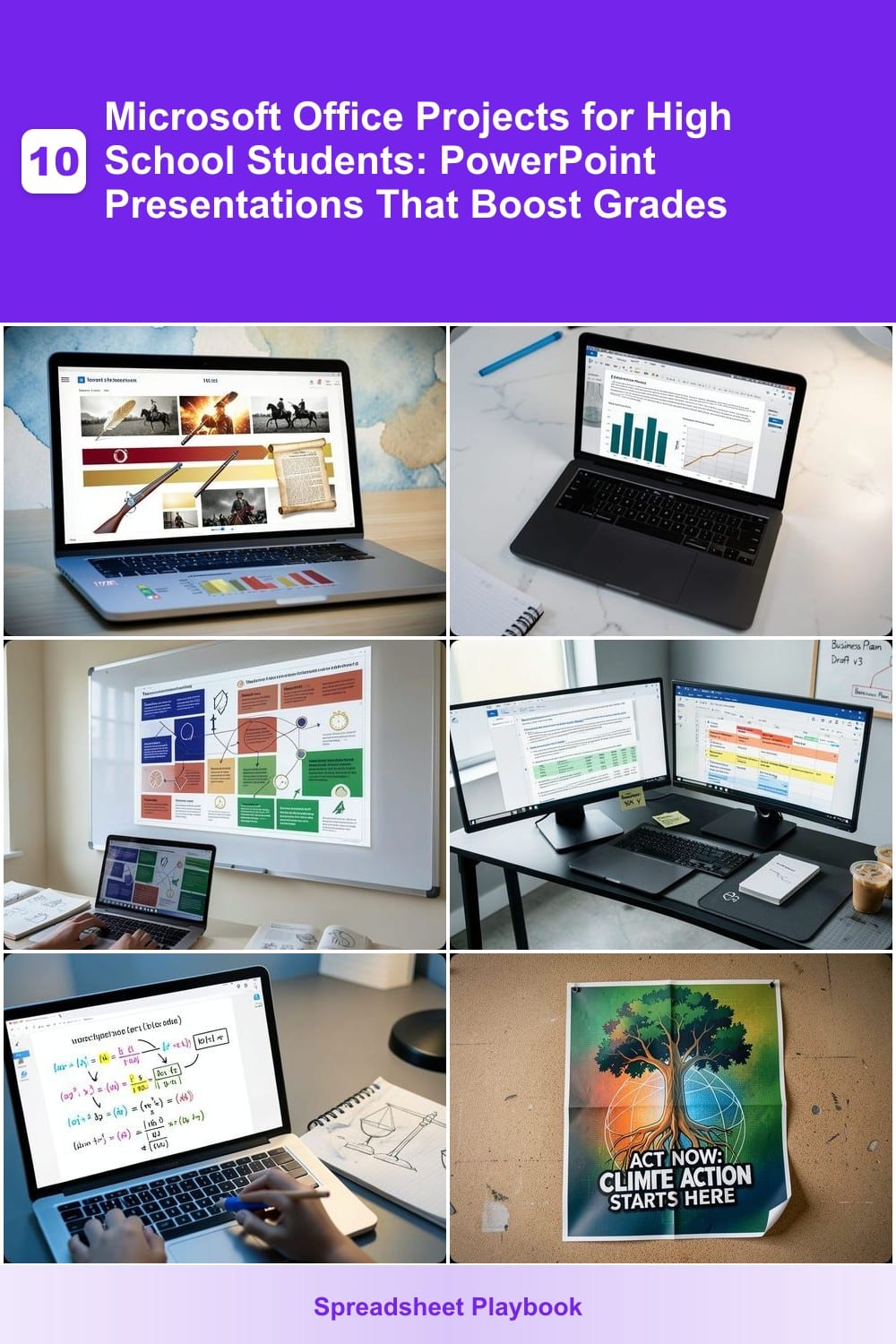
Interactive Historical Timeline Presentation
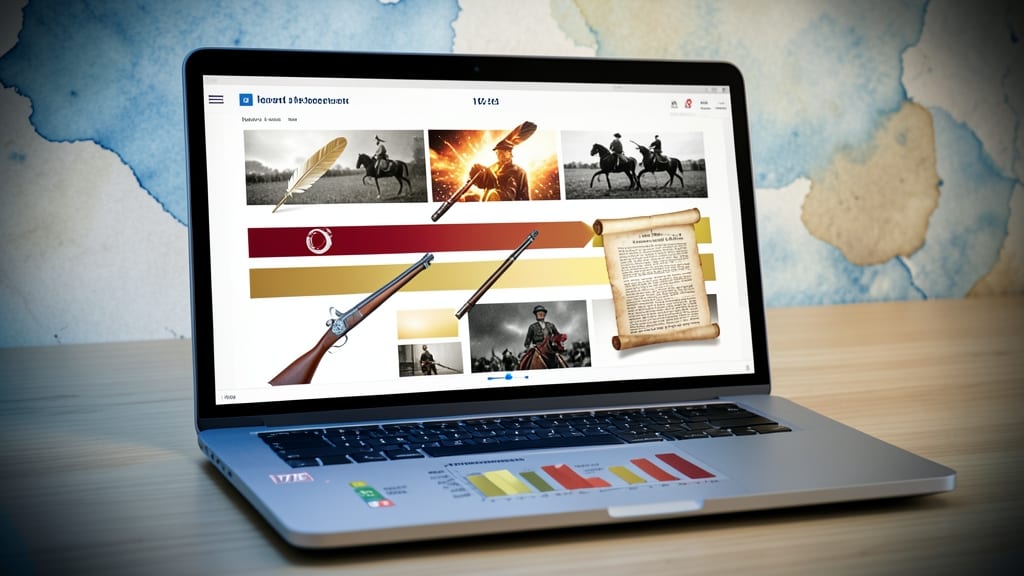
Ditch the boring bullet points and bring history to life with an interactive timeline that makes your research shine. Instead of static text, use PowerPoint’s animation tools to create dynamic bars, icons, or even short video clips that highlight key events—think the American Revolution morphing into the Industrial Age with a single click.
Start by organizing events chronologically in a table, then convert it into a SmartArt timeline. Add triggers to animate images (e.g., a 1776 flag appearing when you click the Declaration of Independence) and use color-coding to distinguish eras. For extra flair, embed YouTube clips of speeches or battles, or overlay maps that shift as conflicts expand. The Morph transition lets you smoothly transition between slides without distracting jumps.
This project is a game-changer for AP History or World Studies students—teachers love how it proves deep understanding through creativity, and colleges notice portfolios that go beyond basic essays. Plus, you’ll walk away with a skill that works for museum exhibits, heritage projects, or even TED Talk-style storytelling. ✨
Science Lab Report with Embedded Data Charts
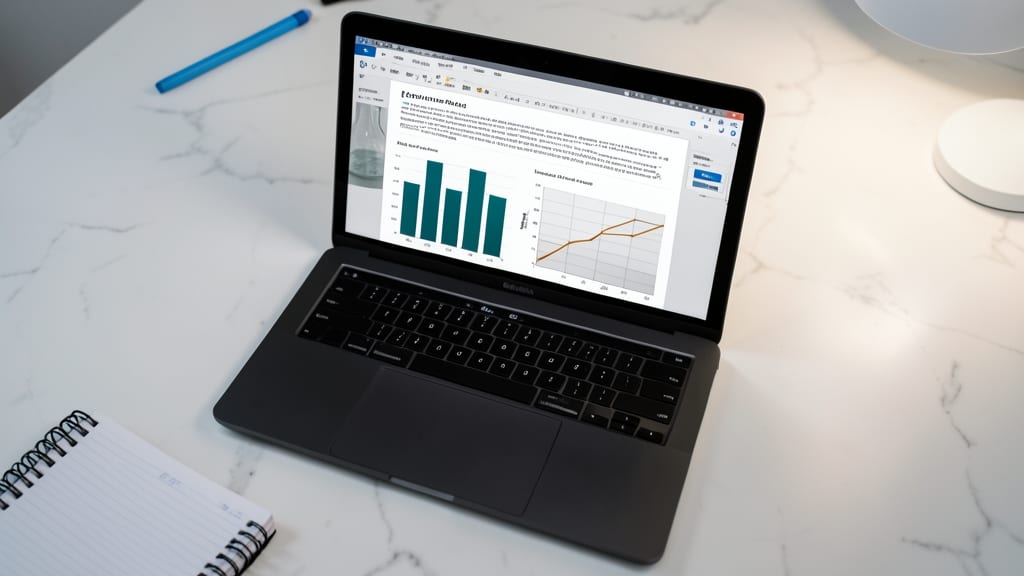
Tired of lab reports buried under walls of text? A Science Lab Report with Embedded Data Charts turns raw numbers into compelling visuals—no design degree required. By linking Excel graphs directly into Word, you’ll present experimental results with professional clarity, making trends and outliers instantly understandable to teachers (and future colleagues).
Start by creating your data tables in Excel, then use the Object > Text from File feature to embed them into Word. For charts, copy-paste the Excel graph object (right-click > "Copy as Picture") and resize it to fit your report. Use Word’s Reference Tab to add captions and figure labels automatically, ensuring your data is properly cited. The best part? Updating your graphs in Excel instantly refreshes them in Word—no manual redrawing needed.
Perfect for biology, chemistry, or physics students, this project builds skills that translate to college research papers and even STEM careers. Teachers will appreciate the polished, data-driven approach that goes beyond basic text reports. 💡
Literary Character Analysis Infographic
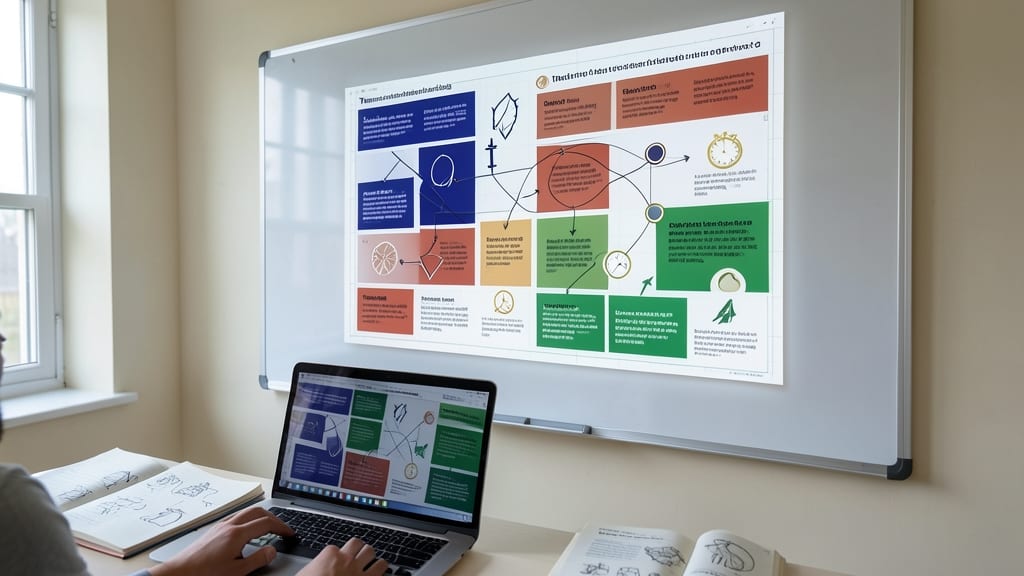
Struggling with traditional literary essays? Turn analysis into a visual masterpiece with a PowerPoint infographic that breaks down characters, themes, and motifs using icons, shapes, and color-coding. This project transforms abstract concepts like "foil characters" or "symbolism" into digestible, engaging visuals that stick in your brain.
Start by using PowerPoint’s SmartArt graphics to map character relationships (e.g., protagonist vs. antagonist) and insert icons from the built-in library to represent themes (e.g., a broken chain for oppression, a key for secrets). Add quote callouts with bold typography to highlight key moments, and layer in background shapes to create thematic sections—like a stormy sky for tragedy or a sunrise for hope. The Morph transition can even animate character arcs over time.
This project is a game-changer for visual learners who grasp ideas faster with diagrams than paragraphs. English teachers will love how it forces students to distill complex analysis into clear, creative formats—perfect for portfolios or class presentations. ✨
Business Plan Proposal with Outlook Calendar
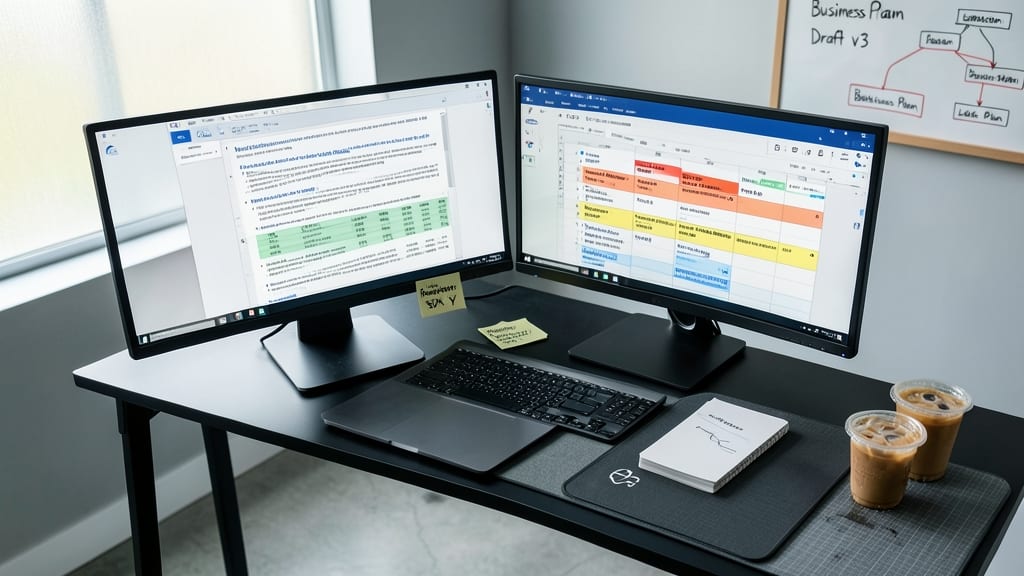
Want to turn classroom lessons into real-world business experience? This project lets you draft a full business plan in Word—complete with executive summaries, financial projections, and marketing strategies—while using Outlook Calendar to map out key milestones like product launches or investor meetings.
Start by structuring your plan with Word’s built-in templates, then sync deadlines to Outlook’s shared calendar feature to collaborate with classmates. The combo teaches time management and project planning, two skills every entrepreneur needs. Use Outlook’s reminders to stay on track for presentations or mock pitches.
Perfect for future CEOs or economics buffs, this project bridges theory and practice—just like a startup bootcamp. 💡
Math Problem-Solving Step-by-Step Guide
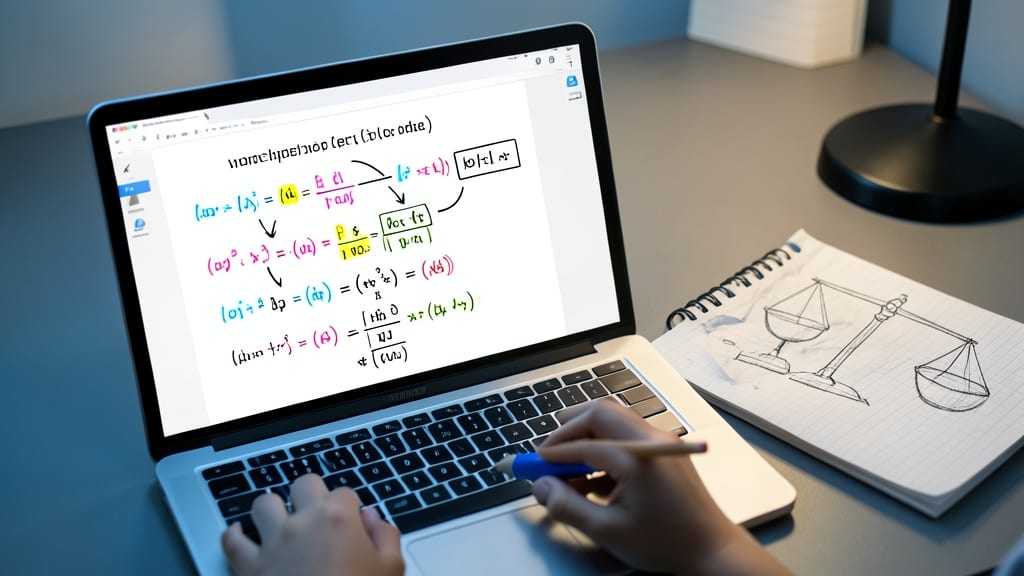
Struggling with algebra? Turn abstract equations into clear visuals with a PowerPoint math guide that breaks problems into digestible steps. Instead of memorizing formulas, students can see how each algebraic manipulation connects to the next using annotated diagrams and color-coded highlights.
Start with a slide template featuring a chalkboard-style background and insert equations as you solve them. Use PowerPoint’s shape tools to circle key terms, draw arrows for transformations, and even embed short video clips explaining tricky concepts. The Morph transition lets you animate step-by-step solutions seamlessly.
Perfect for visual learners or students who freeze during tests, this project builds confidence by making math feel like a puzzle rather than a mystery. ⚡
Environmental Awareness Campaign Poster
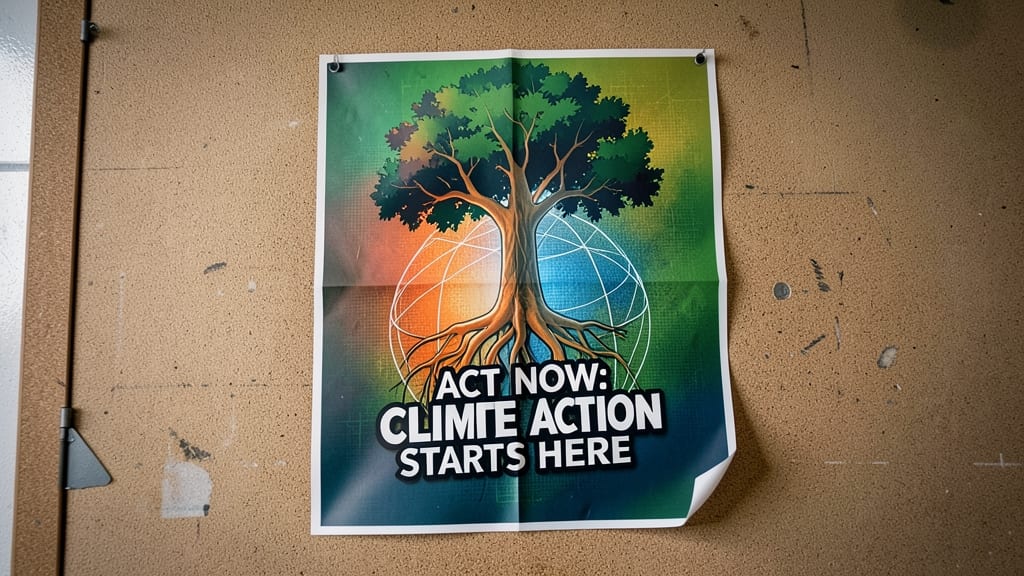
Turn passion into action with a PowerPoint campaign poster that spreads environmental awareness. Instead of just discussing climate change, create a bold, print-ready design that grabs attention—perfect for school bulletin boards or local community events.
Use high-contrast colors and eco-friendly imagery (like recycled symbols or renewable energy icons) to make your message stand out. Add a clear call-to-action like "Reduce, Reuse, Recycle!" and export as a high-resolution PDF for printing. This project teaches design principles while giving you a tangible way to advocate for causes you care about.
Ideal for students in environmental science, social studies, or art classes, this project blends creativity with activism—plus, it’s a great addition to college applications or community service portfolios. ✨
Personal Budget Tracker in Excel
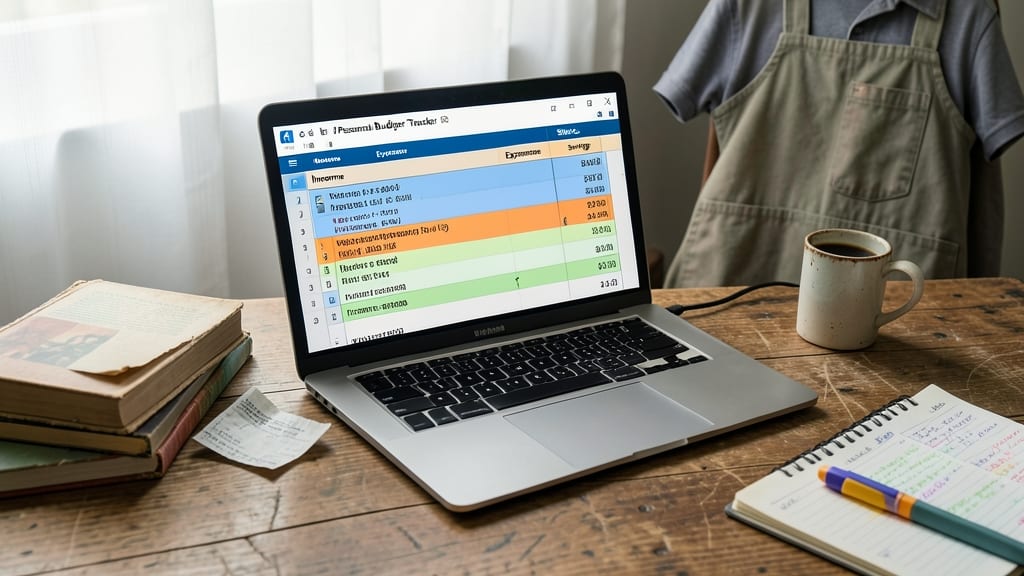
Struggling to balance a part-time job with school expenses? A Personal Budget Tracker in Excel turns abstract money concepts into hands-on practice. Start with a simple template featuring income vs. expense categories, color-coded cells for spending habits, and built-in formulas to auto-calculate totals.
Add conditional formatting to highlight overspending in red or savings milestones in green. Use data validation to prevent errors in entries, and include a monthly summary dashboard for quick financial health checks. This project mirrors real-world tools like Mint or YNAB but with the flexibility to customize categories (e.g., "School Supplies" or "Gig Economy Earnings").
Perfect for economics students or anyone saving for college, cars, or travel—this spreadsheet builds skills that pay dividends long after graduation. 💻
Cultural Comparison Presentation with Audio Clips

Bring global cultures to life in your presentations with embedded audio clips—no tech degree required. Whether it’s a traditional Japanese folk song or a firsthand interview with a Mexican artisan, adding sound transforms static slides into immersive storytelling. PowerPoint’s Insert > Media > Audio feature makes it simple to upload clips from YouTube, personal recordings, or free cultural archives like the Library of Congress.
Start by pairing visuals—like flags, artifacts, or maps—with short audio snippets (under 30 seconds) to highlight key cultural elements. Use the narrator tool to add your own voiceover explaining the significance, or let the music/interview speak for itself. For extra flair, sync audio with slide transitions (e.g., fading in a samba rhythm as the slide appears) to create a dynamic rhythm. This project isn’t just about research—it’s about experiencing cultures firsthand.
Perfect for world language classes tackling accents or social studies projects on global traditions, this approach also builds digital literacy skills. Teachers can even assign peer reviews where students critique how well the audio enhances the presentation’s message. 💡
Group Debate Preparation Dashboard
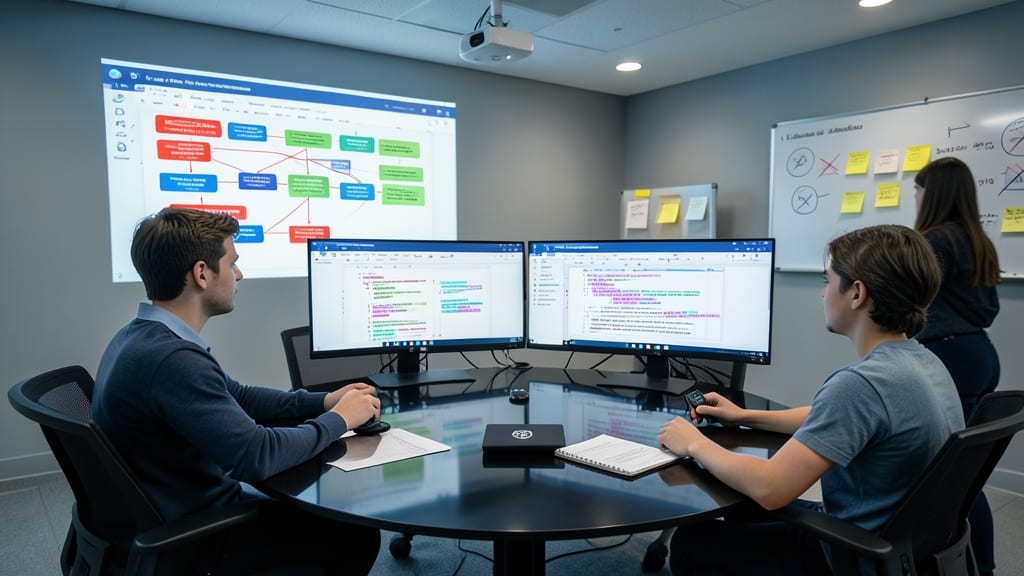
Public speaking students and debate teams often struggle with disorganized arguments and last-minute scrambles—until they discover the Group Debate Preparation Dashboard. This hybrid PowerPoint + Word system transforms chaotic prep into a structured, collaborative powerhouse, perfect for government or forensic teams.
Start with a PowerPoint slide deck where each slide represents a key argument, complete with visual cues (icons, color-coding) and embedded Word documents for detailed research. Assign team roles (researcher, speaker, timer) in a shared Word doc, then sync everything using PowerPoint's commenting tools for real-time feedback. The dashboard even includes a counterpoint matrix to map opponent strategies visually.
This project is ideal for students in public speaking, debate clubs, or government classes who need to refine their arguments while collaborating efficiently. The visual organization builds confidence, and the shared doc system ensures no idea gets lost. ✨
Yearbook Spread Design with Photo Editing
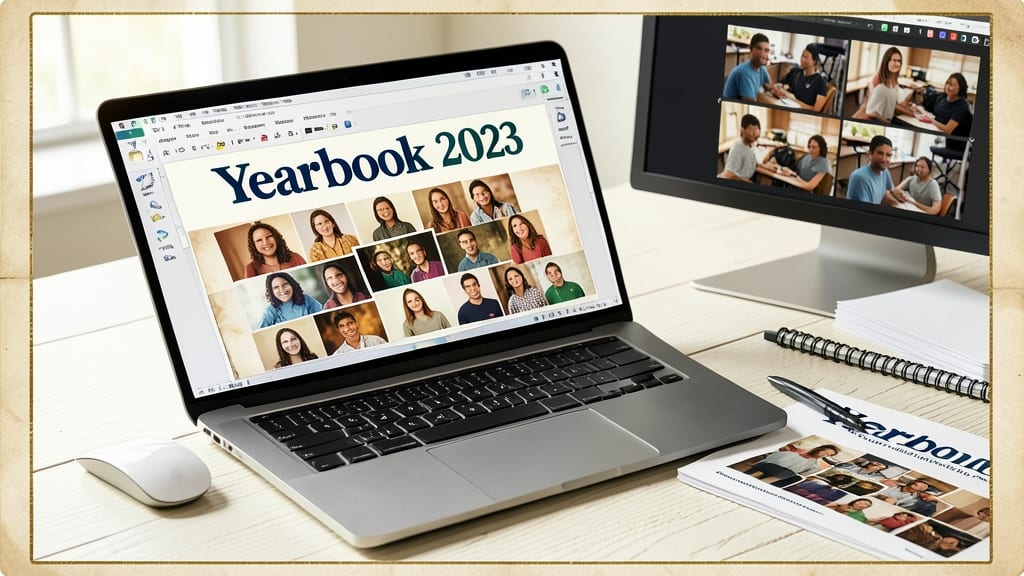
Turn classroom creativity into a yearbook-worthy skillset by merging PowerPoint’s layout tools with simple photo editing. This project lets you design polished spreads—think borders, typography, and photo adjustments—while building a portfolio piece that journalism and media students can showcase.
Start by importing photos into PowerPoint, then use the Picture Format tab to crop, adjust brightness, and apply artistic effects. Add text boxes with school-appropriate fonts (like Playfair Display for headers) and layer shapes for decorative elements. For extra polish, embed WordArt for titles or use morph transitions to animate photo galleries. The best part? You’ll learn real-world design principles without needing expensive software.
Perfect for students in yearbook clubs, journalism classes, or media arts programs, this project teaches attention to detail and visual storytelling—skills that translate to resumes and college applications. 🖥️