My first computer was a clunky desktop my dad salvaged from an office clearance sale, and I spent hours typing out stories in an ancient word processor just to see how it worked. That curiosity never left me—now I run this site to help others make sense of the tech they use every day, whether it’s mastering spreadsheets, troubleshooting glitches, or just figuring out why their printer keeps jamming. I believe tech should feel approachable, not intimidating, and I’m here to make that happen.
💥 Quick Answer Microsoft Store apps are installed by default in the Program Files\WindowsApps folder on Windows 10 and 11, a hidden system directory that prevents manual deletion. Each app has its own subfolder with a…
💥 Quick Answer To download Microsoft Word, visit the official Microsoft 365 website for paid subscriptions or use the free web version via Office Online. Free alternatives include Google Docs or LibreOffice, though they…
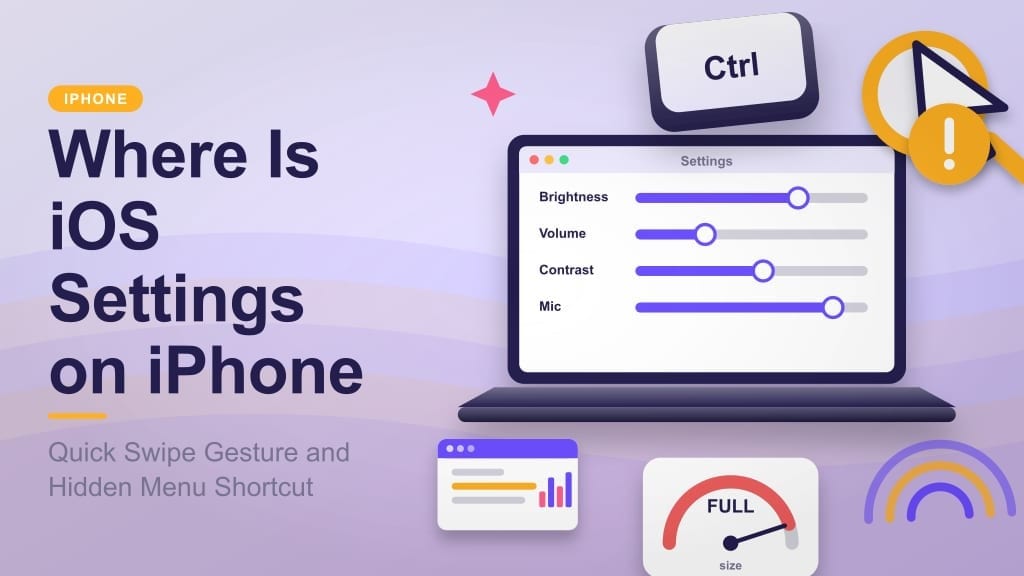
💥 Quick Answer To find iOS settings on iPhone, swipe down from the top-right corner of the screen to open Control Center, then tap the gear icon (⚙️) in the top-right corner. Alternatively, press and hold the side…
💥 Quick Answer In Windows 10, Microsoft Office typically installs to C:\Program Files\Microsoft Office on 64-bit systems or C:\Program Files (x86)\Microsoft Office for 32-bit compatibility. Office 365 may also store…
💥 Quick Answer To find Power Query in Excel, look in the Data tab under the Get & Transform group. Click Get Data or Query to launch the Power Query Editor for cleaning and merging datasets. In older versions, you may…
💥 Quick Answer To find text effects in PowerPoint, look in the Drawing Tools tab under WordArt Styles for pre-made designs, or use the Format tab’s Text Effects group for custom styling and animations. Right-clicking…
💥 Quick Answer To find the Page Setup dialog box in Outlook, navigate to File > Print > Page Setup in the ribbon menu. For quicker access, use the shortcut Ctrl + P , then select Page Setup in the print preview, or…
💥 Quick Answer The thumbnail pane in PowerPoint's Normal view sits in the left sidebar by default, showing slide previews for quick navigation. If it's missing, restore it via View > Slide Pane or use the shortcut…
My attachments not downloading is one of the most frustrating email quirks—especially when the sender swears they’re there. ✨ I’ve spent hours chasing this issue, and the culprit is almost always a server-side hiccup…
💥 Quick Answer Google Services charges your credit card for subscriptions, in-app purchases, or automatic renewals tied to accounts like Google One, Play Store apps, or YouTube Premium. Check your Google Payments…