
Tip & Trick
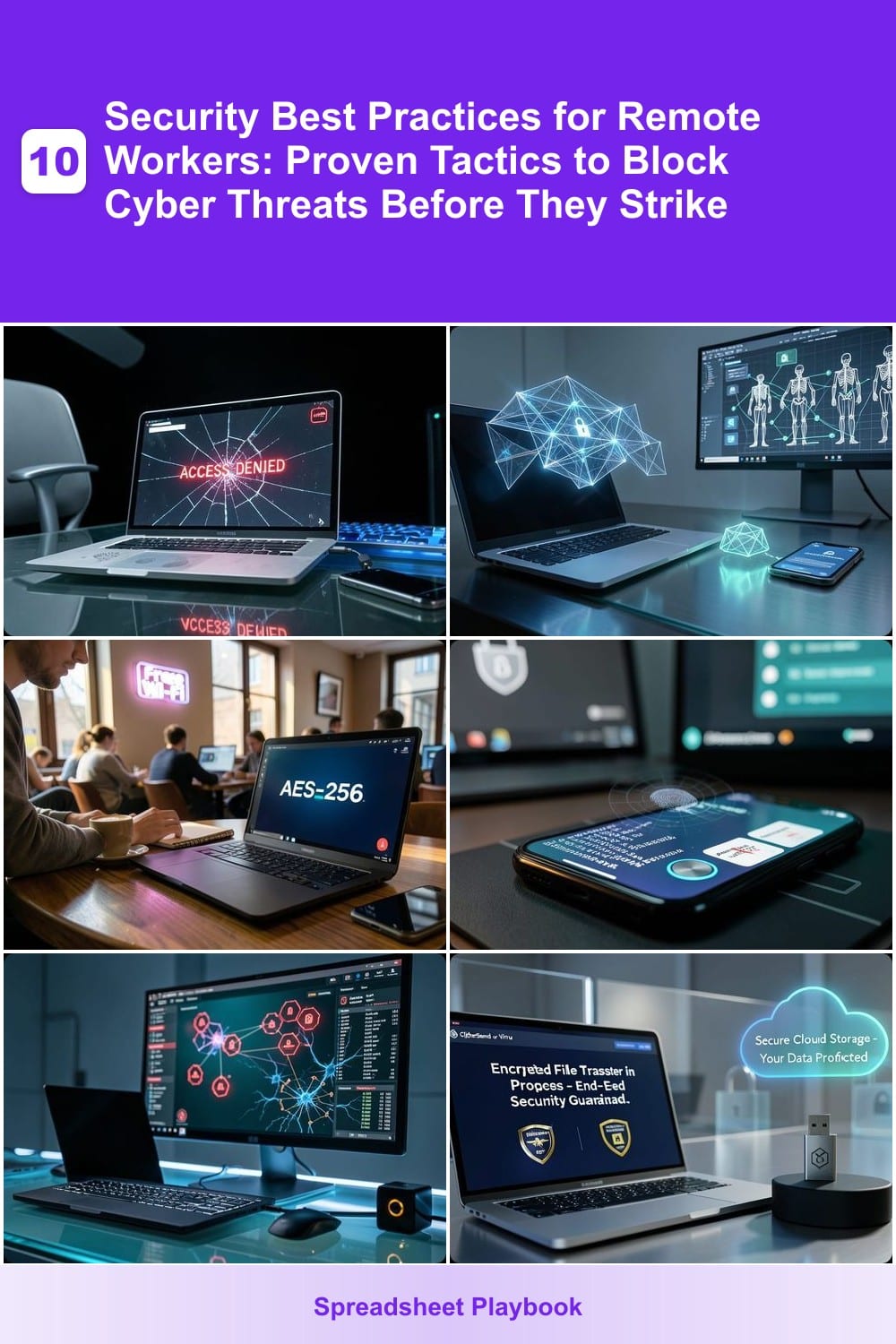
Remote work offers flexibility but exposes you to cyber threats like phishing, malware, and data breaches. These 10 security best practices—backed by IT experts—will fortify your digital workspace and keep your sensitive information locked down.
Multi-Factor Authentication for Every Account
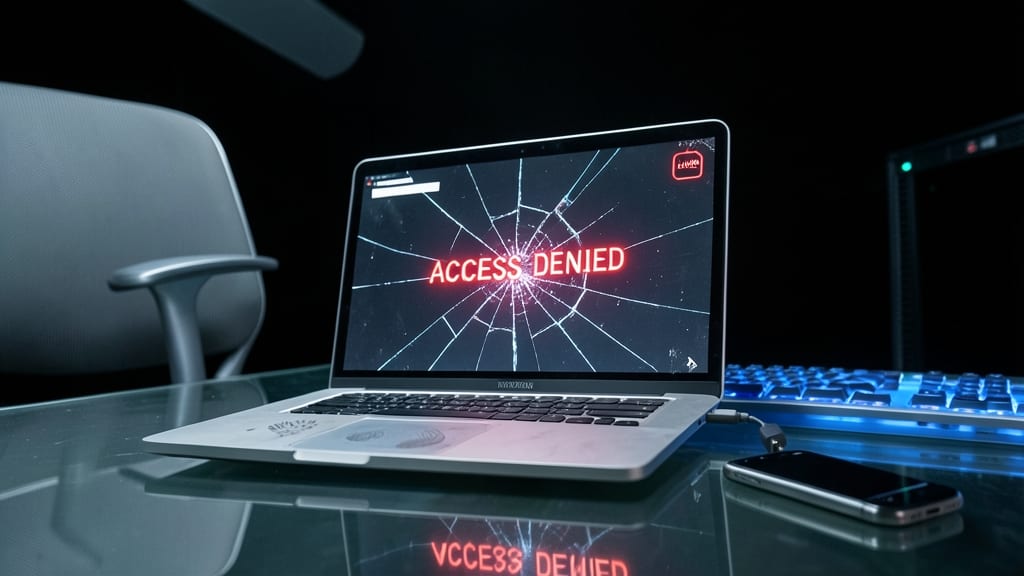
If you’re still relying solely on passwords, you’re leaving the front door wide open to 99.9% of automated attacks—including brute-force hacks and credential stuffing. Multi-Factor Authentication (MFA) adds a second verification step, like a one-time code or biometric scan, making unauthorized access nearly impossible without physical access to your device.
Most platforms—from Microsoft 365 and Google Workspace to banking apps—support MFA with zero-configuration setup via authenticator apps (like Google Authenticator or Authy) or hardware keys (like YubiKey). Even free options like TOTP (Time-Based One-Time Password) block 90% of account takeovers without complicating your workflow. For executives or teams handling sensitive data, enabling MFA across all accounts (personal and professional) is the single most effective defense against credential-based breaches.
This isn’t just for IT departments—every remote worker should activate MFA. Start with your email, cloud storage, and financial accounts, then roll it out to lesser-critical services. The few extra seconds per login save you from potential data breaches, ransomware, or identity theft. 💪
Zero-Trust Network Access Implementation
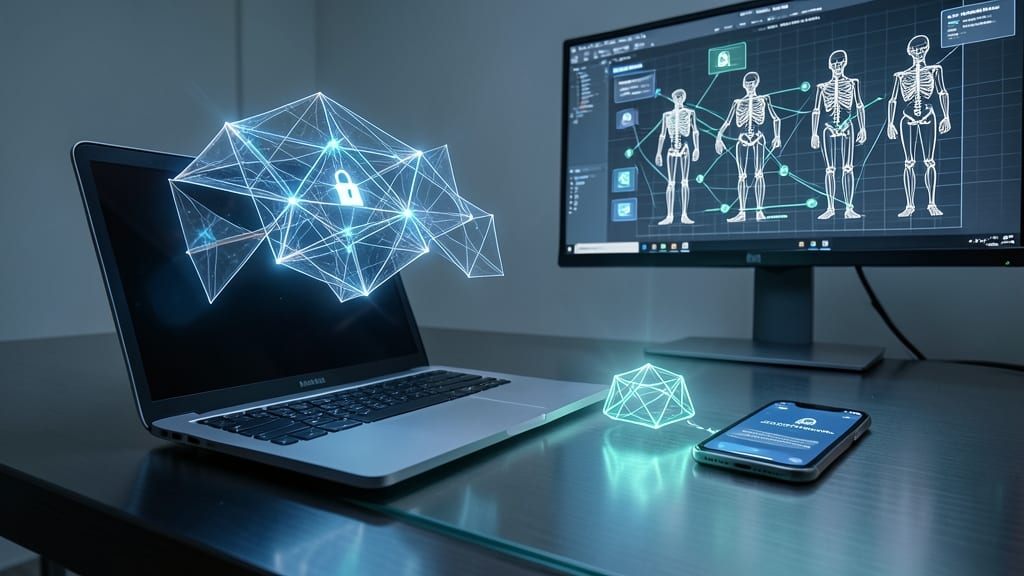
Tired of assuming every device on your network is trustworthy? Zero-trust network access (ZTNA) flips that script by treating every connection—even internal ones—as a potential threat. Unlike traditional VPNs that rely on network location, ZTNA verifies every user and device before granting access, using continuous authentication and least-privilege principles.
Solutions like Cloudflare Access or Zscaler Private Access enforce device posture checks (e.g., OS updates, antivirus status) and short-lived credentials, reducing lateral movement risks by 80%. For hybrid teams, this means contractors, remote employees, and IoT devices all authenticate via identity-based policies, not just IP addresses. The result? Fewer breaches and compliance headaches.
This approach is a game-changer for IT admins managing hybrid workforces or SMBs with limited security teams. It’s the digital equivalent of checking IDs at every door—no exceptions. 💻
Secure VPN Configuration for Remote Connections
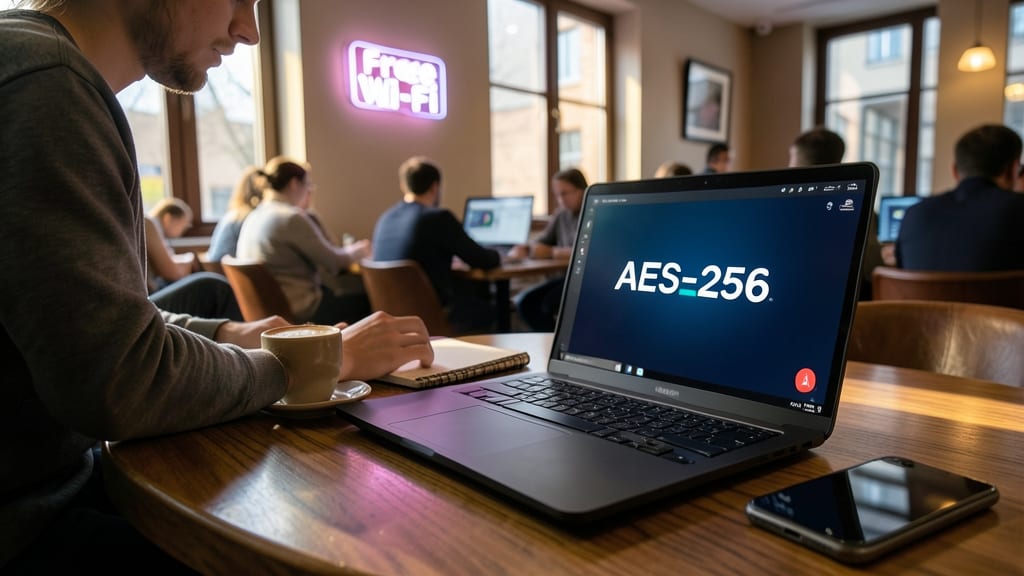
Public Wi-Fi at your favorite café might be convenient, but it’s also a playground for hackers. A secure VPN configuration acts as your digital bodyguard, encrypting every bit of data between your device and company servers—whether you’re checking emails or accessing internal tools.
Look for AES-256 encryption, a kill switch to block traffic if the VPN drops, and split tunneling to route only work traffic through the VPN while keeping personal browsing separate. Services like OpenVPN or WireGuard offer open-source reliability, while corporate-grade solutions (e.g., Cisco AnyConnect) integrate seamlessly with IT policies. Always verify your VPN provider supports DNS leak protection to prevent snooping.
Freelancers juggling client work and employees accessing corporate files will benefit most—especially when traveling or using unsecured networks. A properly configured VPN isn’t just a tool; it’s your first line of defense against man-in-the-middle attacks. 💻
Password Manager with Biometric Locks
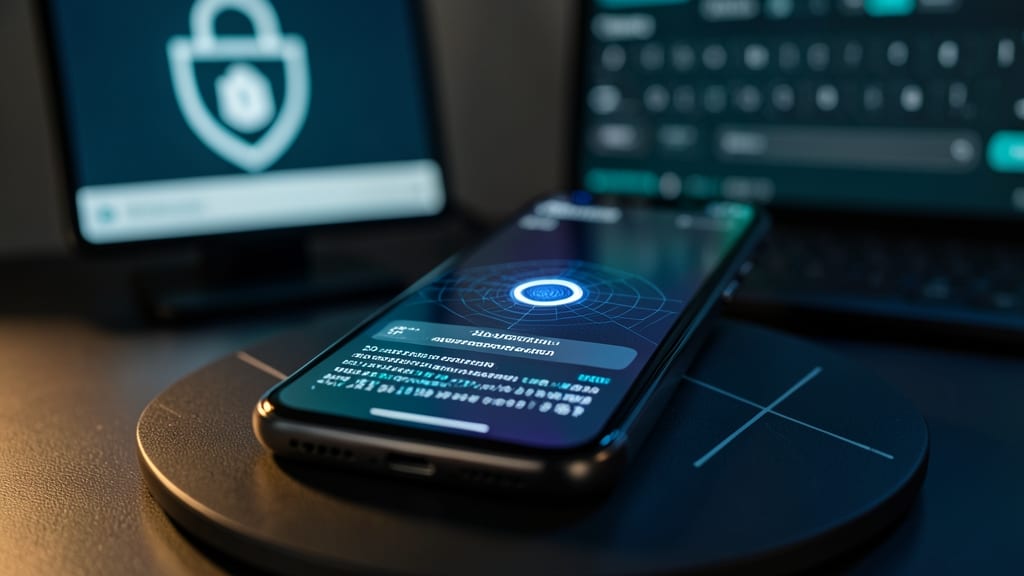
Tired of forgetting passwords—or worse, reusing weak ones across 50+ accounts? A password manager with biometric locks solves both problems by generating 256-bit encrypted, 30-character passwords and unlocking your vault with just your fingerprint or face scan.
Top tools like Bitwarden and 1Password integrate seamlessly with browsers and devices, auto-filling credentials while storing them in an AES-256 encrypted vault. The biometric layer adds an extra defense: even if your device is stolen, your passwords stay locked behind your unique biological signature. Most also sync across unlimited devices for a single subscription.
This is a game-changer for freelancers, executives, and power users juggling personal and work accounts. No more sticky notes or browser-saved passwords—just one secure, biometrically protected vault to rule them all. ✨
Endpoint Detection and Response Software
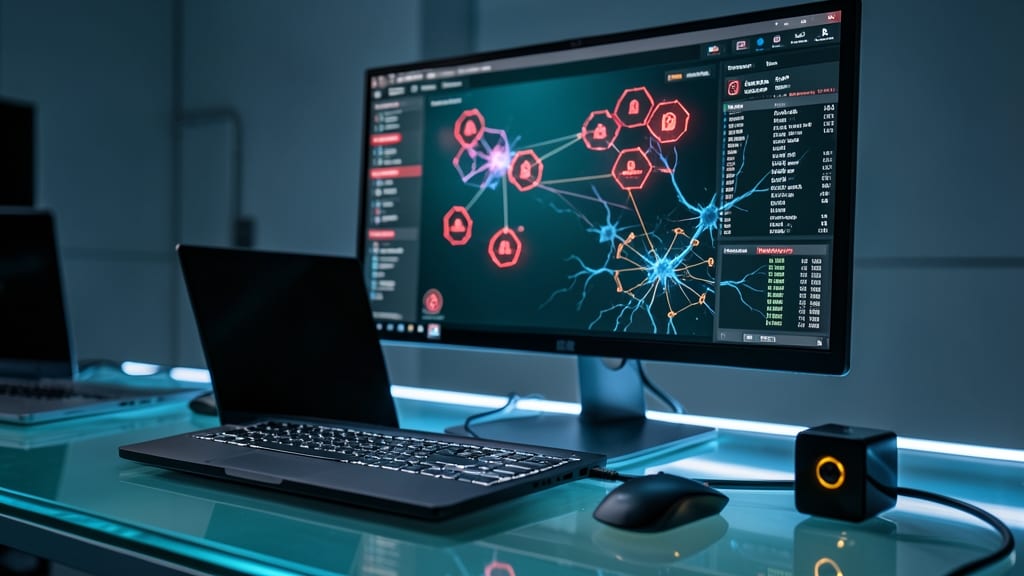
When your IT team can’t physically inspect every remote device, Endpoint Detection and Response (EDR) software becomes your digital security guard dog. Unlike traditional antivirus, EDR actively hunts for suspicious behavior—like ransomware encrypting files or malware moving laterally across your network—before it causes damage.
Solutions like CrowdStrike Falcon or Microsoft Defender for Endpoint offer real-time threat detection, automated containment, and detailed forensic reports to trace attacks. They integrate with your existing security stack and work silently in the background, even on employee-owned devices. For IT teams managing 100+ remote endpoints, these tools cut response times from hours to minutes.
This is the ultimate solution for businesses where physical access to devices is impossible—like global teams or contractors. 💻
Secure File Sharing with Encryption
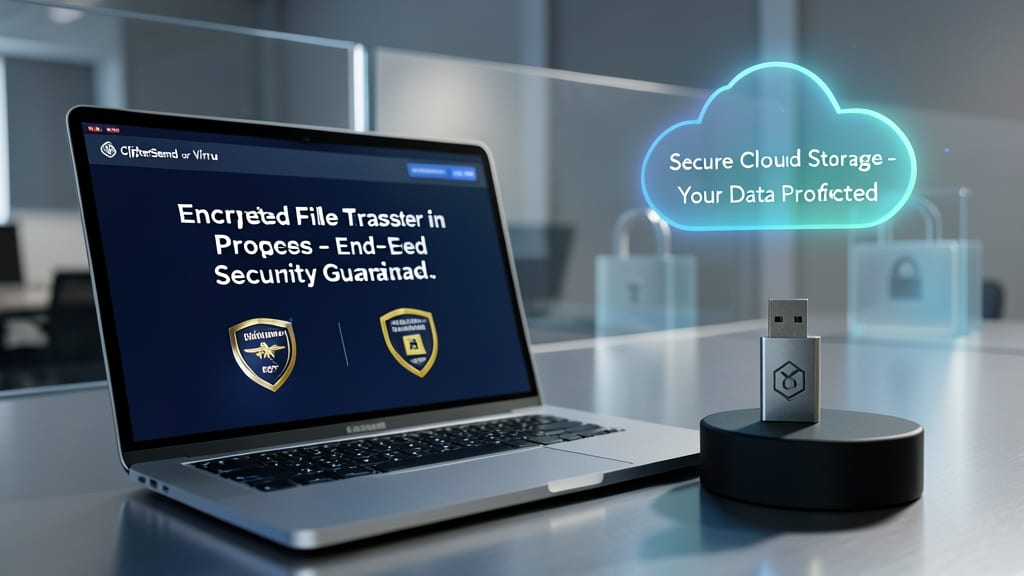
Forget about sending sensitive documents via unsecured email—military-grade encryption ensures your files stay locked down whether they're in transit or stored. Tools like CipherSend or Virtru add end-to-end encryption to cloud storage and email, so even if a breach occurs, your data remains unreadable without the proper decryption keys.
These platforms integrate seamlessly with Google Drive, Dropbox, and Outlook, applying encryption automatically without disrupting workflows. You’ll get features like expiration timers for shared files and access controls that restrict viewing to authorized recipients only. The best part? No technical expertise is needed—just a few clicks to activate.
Legal teams handling client confidentiality or finance professionals exchanging contracts will find this the most reliable way to comply with GDPR, HIPAA, or SOX standards. 💻
Regular Security Awareness Training
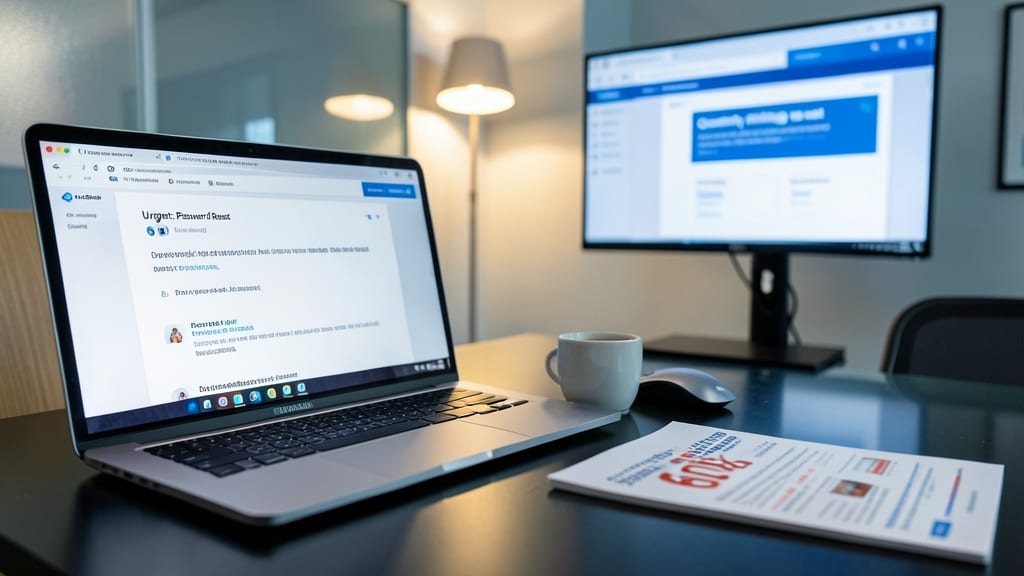
Human error causes 60% of data breaches—and most employees don’t realize they’re the weakest link. Regular security awareness training flips the script by turning your team into a human firewall through interactive, real-world simulations.
Platforms like KnowBe4 or PhishMe deliver quarterly phishing tests with customizable scenarios (e.g., fake invoices, CEO impersonations) to spot vulnerabilities before attackers do. Pair these with 30-minute cybersecurity workshops covering topics like recognizing social engineering tactics or securing personal devices. The result? A 40% reduction in successful phishing attempts within six months.
This isn’t just for IT teams—startups with high turnover or remote-first companies see the biggest ROI. Train new hires in their first week and refresh everyone annually to keep pace with evolving threats. 💡
Device Encryption and Physical Security
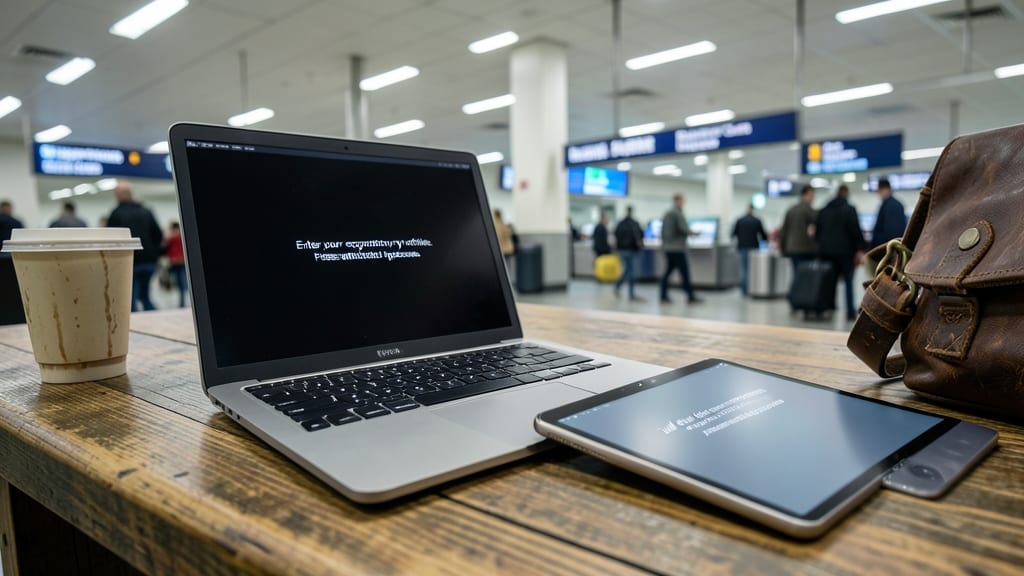
If you’re constantly on the move—whether traveling for work or working in the field—your device’s physical security is just as critical as its digital defenses. Full-disk encryption and strong screen locks act as your first line of defense against data theft if your laptop or tablet is lost or stolen, making them non-negotiable for road warriors.
Modern operating systems like Windows (BitLocker), macOS (FileVault), and Linux (LUKS) offer built-in encryption that scrambles all data on your device, rendering it unreadable without your passphrase. Pair this with a PIN, fingerprint, or facial recognition lock (enabled within seconds) to ensure no one can access your files even if they bypass your login screen. For extra protection, use cable locks to physically secure devices in shared spaces. These measures create a layered defense that thwarts opportunistic thieves and satisfies compliance requirements for sensitive data.
This setup is ideal for field technicians, contractors, and executives who carry confidential client data or company secrets. With encryption and locks in place, you can focus on your work without worrying about a stolen device exposing critical information. 💻
Secure Remote Desktop Protocols
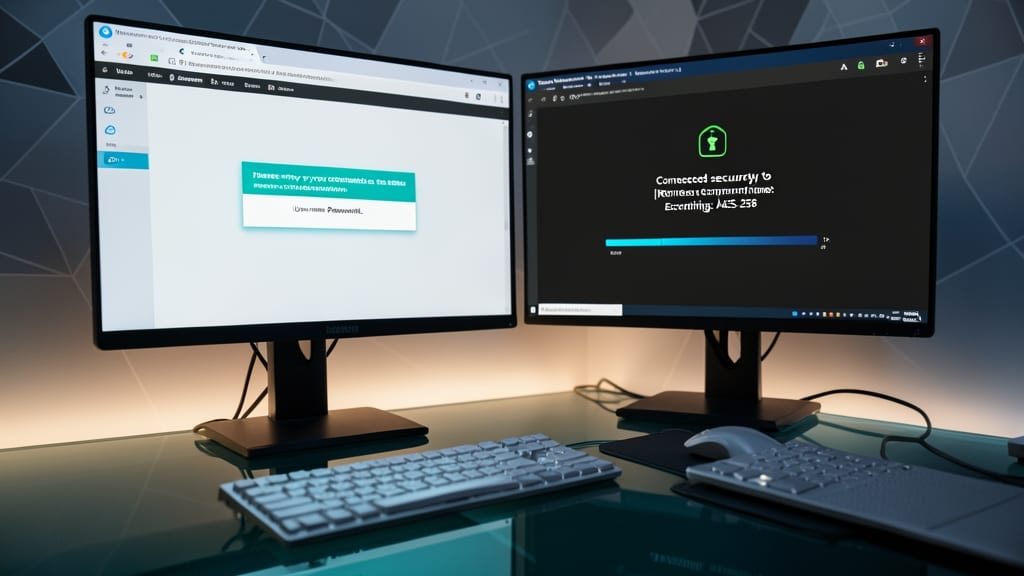
Need to troubleshoot a remote employee’s system without risking your company’s network? Secure Remote Desktop Protocols (RDP) like Microsoft Remote Desktop (RDP) with Network Level Authentication (NLA) or TeamViewer Enterprise deliver encrypted access without exposing internal infrastructure.
These protocols enforce end-to-end encryption (AES-256) and require authentication before establishing connections, blocking unauthorized access. Features like session recording with audit logs and multi-factor authentication (MFA) integration ensure compliance while IT teams diagnose issues. For IT support teams, TeamViewer’s remote control even allows file transfers and command execution securely.
Perfect for IT admins, helpdesk teams, and managed service providers who need to assist remote users without compromising security. 💻
Incident Response Plan Documentation
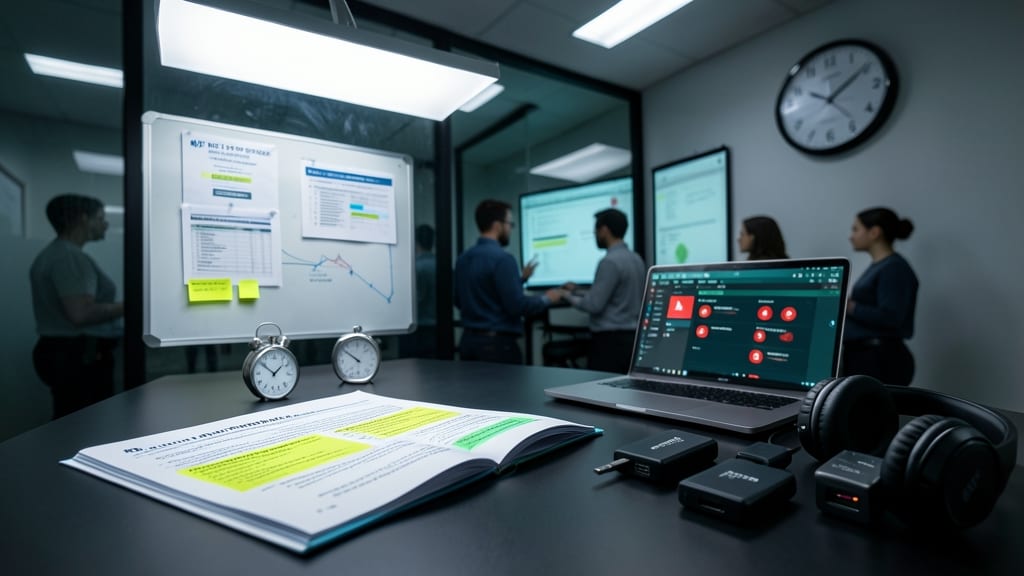
When a breach happens, every minute counts—yet many remote teams lack a clear plan to contain the damage. A documented incident response plan ensures you’re prepared to act fast, reducing downtime and meeting compliance deadlines like NIST SP 800-61 or ISO 27035.
This isn’t just a checklist—it’s a step-by-step playbook covering containment (e.g., isolating infected devices), escalation protocols (who to notify), and forensic preservation (how to gather evidence). Tools like Splunk or IBM Resilient can automate alerts, but the human process—communication, documentation, and speed—remains critical. Even small teams benefit from defining roles (e.g., "Who calls IT?" or "Who locks down systems?") before an incident occurs.
Ideal for compliance-heavy industries (healthcare, finance) or any business handling sensitive data, this plan transforms panic into action. The key? Test it annually—because when seconds matter, you’ll thank yourself for planning ahead. ✨