Software
Software developers, data analysts, and IT professionals must handle date and time values correctly to ensure global compatibility. These seven standardized formats—recognized across programming languages, databases, and international systems—prevent errors in applications used worldwide.
ISO 8601 Standard Date Format

When your code needs to speak the same language worldwide, the ISO 8601 format is the universal translator of date-time values. This standardized format—like 2024-05-20T14:30:00Z—eliminates ambiguity by using a strict YYYY-MM-DD structure, ensuring machines and humans parse dates identically across languages and regions.
Widely adopted in Python (datetime.isoformat()), Java (SimpleDateFormat), and JavaScript (toISOString()), ISO 8601 supports optional time components, time zones, and even fractional seconds. Its machine-readable design makes it ideal for APIs, logs, and configuration files, while libraries like date-fns or moment.js simplify conversions. The format’s zero-config compatibility means your code works seamlessly in global applications—no regional settings required.
Perfect for developers building cross-platform software, APIs, or data pipelines, ISO 8601 is the safest choice when precision and consistency matter most. ⚡
RFC 2822 Email Date Format
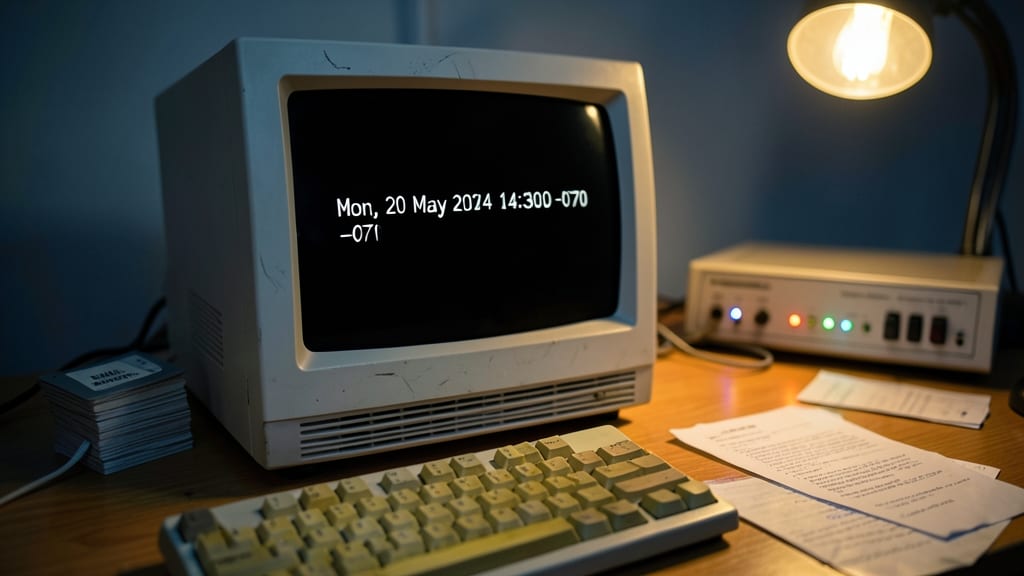
If your application interacts with SMTP servers or legacy email systems, you’ve likely encountered the RFC 2822 email date format—the backbone of email timestamps. Unlike ISO 8601, this format uses a human-readable yet machine-parsable structure like 'Mon, 20 May 2024 14:30:00 -0700', ensuring backward compatibility with decades-old systems.
The format’s three-letter day abbreviation, day-month-year order, and UTC offset (e.g., -0700) make it ideal for email headers, APIs, and scripts parsing raw email data. Libraries like Python’s email.utils.formatdate or Java’s InternetDateFormat handle conversions automatically, while tools like date -R in Linux generate RFC 2822-compliant timestamps effortlessly.
This format is non-negotiable for developers working with email APIs, archiving systems, or legacy SMTP integrations. It’s the glue that keeps old and new systems talking. ⚡
Unix Timestamp (Epoch Time)

When your backend needs to crunch time calculations at lightning speed, Unix timestamps (or Epoch Time) are the unsung heroes of the tech world. Representing time as a simple integer—seconds since January 1, 1970—this format eliminates ambiguity and speeds up processing in databases, APIs, and cloud services.
You’ll find Unix timestamps everywhere: from Linux system logs (date +%s) to API responses (e.g., 1716156600 for May 20, 2024) and database queries where sorting or comparing dates requires minimal overhead. Libraries like Python’s time module or JavaScript’s Date.getTime() handle conversions seamlessly, making it the go-to for developers building scalable systems.
Perfect for sysadmins, DevOps engineers, and backend developers, Unix timestamps ensure zero-config compatibility across platforms—no parsing headaches, just raw efficiency. ⚡
SQL Date and Time Formats

When your application relies on precise, database-backed time tracking, SQL’s native date-time formats become non-negotiable. Unlike generic standards, SQL databases use database-specific formats like 'YYYY-MM-DD HH:MI:SS' to ensure consistency across queries, reducing parsing errors and optimizing storage.
MySQL, PostgreSQL, and Microsoft SQL Server all support this format, though PostgreSQL offers extended precision with microseconds ('YYYY-MM-DD HH:MI:SS.US'). For example, inserting 2024-05-20 14:30:45 into a table guarantees identical interpretation across platforms—no ambiguous parsing like 'MM/DD/YYYY' vs. 'DD/MM/YYYY'.
This format is ideal for developers building time-sensitive applications like scheduling systems or financial logs, where reliability trumps flexibility. ⚡
Microsoft Excel Date-Time Formats
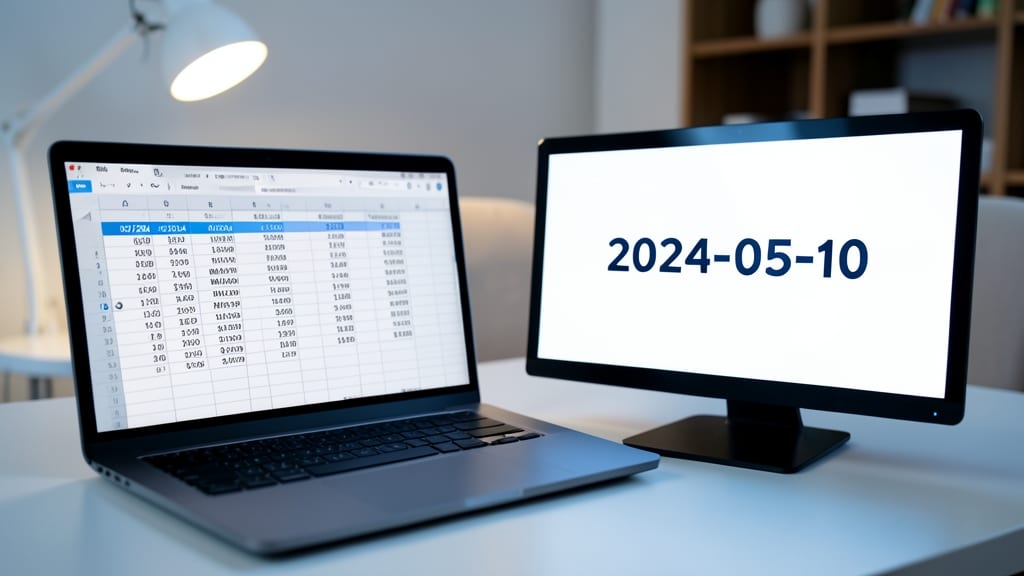
If you’ve ever imported an Excel spreadsheet into a program and seen dates like 05/20/2024 magically turn into 2024-05-20, you’ve encountered Excel’s locale-dependent formatting. Unlike strict standards like ISO 8601, Excel defaults to MM/DD/YYYY in the U.S. but switches to DD/MM/YYYY in many European countries—leading to headaches when automating data.
Excel supports over 20 custom date-time formats, from simple (DD-MMM-YY) to complex (hh:mm:ss AM/PM). The default formats (e.g., MM/DD/YYYY HH:MM) rely on your system’s regional settings, which can cause parsing errors in scripts or APIs. For automation, always use ISO 8601-style formats (e.g., YYYY-MM-DD) or explicitly set the format in Excel’s Format Cells dialog.
This format is a must-know for accountants, data analysts, and business users who rely on Excel for reporting. Double-check your regional settings to avoid turning May 20th into the 20th of May! ⚡
JSON Date-Time Format
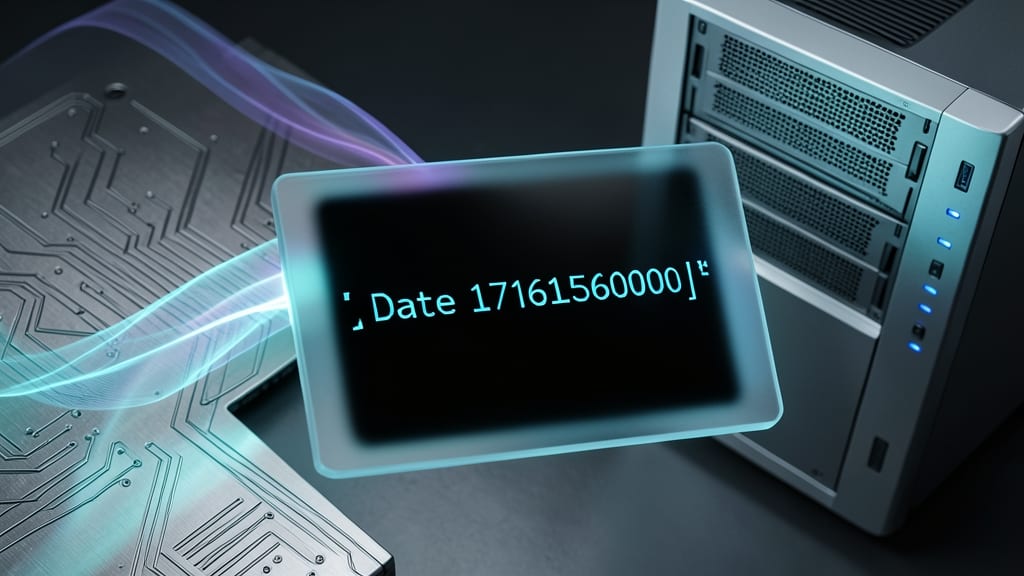
When your frontend and backend need to speak the same language, the JSON Date-Time Format bridges the gap. Unlike other formats, it’s specifically designed for JSON payloads in APIs, embedding Unix timestamps (milliseconds since 1970) inside a '/Date()/' wrapper—like '/Date(1716156600000)/'.
This format thrives in Microsoft-based JSON APIs (e.g., ASP.NET Web API) and ensures seamless parsing between JavaScript and server-side languages. The millisecond precision avoids fractional-second ambiguity, while the wrapper makes it instantly recognizable in JSON parsers. It’s lightweight, human-readable in context, and avoids locale-specific quirks.
Perfect for developers working with ASP.NET Core or legacy .NET systems where JSON serialization defaults to this format. It’s the go-to when you need consistency across web services without extra parsing logic. ✨
Localization-Aware Date Formats
Ever shipped a feature that misinterpreted "05/20/2024" as May 20th instead of May 5th? Localization-aware date formats solve this by dynamically adapting to regional conventions—no more hardcoded assumptions. Libraries like Intl.DateTimeFormat in JavaScript or java.text.SimpleDateFormat in Java handle this automatically, ensuring your app displays dates correctly for users worldwide.
This approach supports formats like DD/MM/YYYY (Europe), MM-DD-YYYY (U.S.), or YYYY/MM/DD (Asia), while avoiding ambiguity. It’s especially critical for e-commerce platforms, global HR systems, or any app with multilingual users. The key is using built-in locale settings rather than manual overrides.
Developers building international applications should prioritize this method to prevent costly parsing errors. It’s the safest way to ensure dates render intuitively for every user. ✨