
Coding
SQL Server 2012 introduced groundbreaking features that transformed database management for developers and administrators. These 10 innovations boost performance, security, and flexibility—making it a must-upgrade for modern data professionals.
Columnstore Indexes for Massive Performance Gains

Stuck processing terabytes of data with sluggish query times? Columnstore Indexes in SQL Server 2012 could be your game-changer. This feature completely redefined data warehousing by storing data in vertical columns instead of rows, dramatically improving compression and scan performance.
With Columnstore Indexes, you can achieve 10x faster query speeds on large datasets, thanks to optimized storage and batch processing. The feature automatically handles compression ratios up to 10:1, reducing storage costs while boosting speed. It’s especially powerful for analytical workloads involving aggregations, scans, and complex joins—where traditional row-based indexes fall short.
Perfect for data analysts, BI teams, and cloud-based data warehouses, this feature transforms how you handle massive datasets without upgrading hardware. ⚡
Contained Databases for Simplified Deployment

Tired of database deployments derailed by master database dependencies? Contained Databases in SQL Server 2012 solves this by encapsulating everything—data, schemas, and logins—inside a single database file. No more relying on system databases or manual logins; your databases become self-contained units ready to move between servers.
With contained database settings, you gain three key benefits: portability (copy and restore anywhere), simplified backups (single-file operations), and security isolation (contained user logins stay with the database). The CONTAINMENT = PARTIAL option lets you start small while the CONTAINMENT = FULL mode offers complete independence—ideal for DevOps pipelines where environments change frequently.
This feature is a game-changer for teams juggling cloud and on-premises setups, where traditional deployments required complex dependency mapping. ⚡
AlwaysOn Availability Groups for High Availability

Downtime isn’t just a risk—it’s a revenue killer. AlwaysOn Availability Groups in SQL Server 2012 redefines high availability by letting you replicate data across multiple servers with synchronous or asynchronous sync, ensuring near-instant failover without sacrificing performance.
This feature supports up to 8 secondary replicas per primary, with automatic role switching when failures occur. The 99.999% uptime guarantee eliminates the need for costly hardware mirroring, while minimal latency keeps transactions flowing smoothly. Whether you’re running mission-critical e-commerce or global financial systems, this is the Swiss Army knife of database resilience.
Ideal for enterprises where zero data loss is non-negotiable, AlwaysOn turns "what if?" scenarios into a seamless backup plan. 💪
Window Functions for Advanced Analytics

Tired of writing cumbersome self-joins just to rank data? Window functions in SQL Server 2012 introduced a cleaner, more efficient way to perform analytical queries without altering your result set.
With functions like RANK(), DENSERANK(), and FIRSTVALUE(), you can now calculate running totals, partition data, and identify top performers in a single query. These functions operate over a set of rows (the window) rather than a single row, enabling complex calculations like moving averages or hierarchical data analysis with minimal code. The syntax is intuitive—just add OVER(PARTITION BY column ORDER BY column) to your SELECT statement.
Data scientists and BI developers will love this feature for its zero-config simplicity—no temporary tables or subqueries required. Perfect for analyzing sales trends, customer segments, or performance metrics. ✨
SQL Server Data Tools (SSDT) Integration
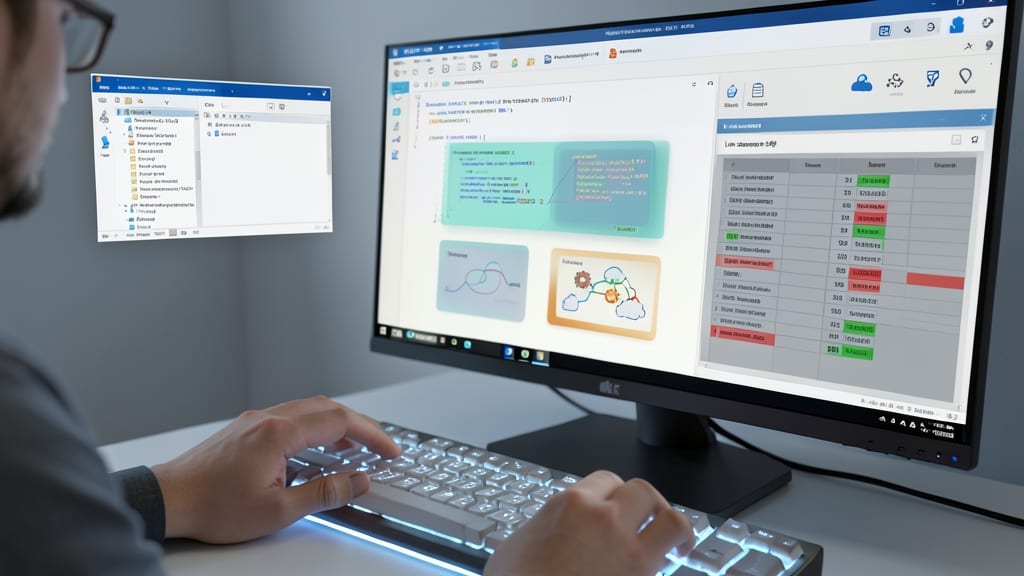
Tired of juggling separate tools for database development and source control? SQL Server Data Tools (SSDT) bridges that gap by embedding Visual Studio with database project templates, schema comparisons, and Azure DevOps pipeline integration—all in one seamless environment.
With SSDT, you get end-to-end database lifecycle management, from design to deployment. The schema comparison tools highlight differences between environments, while TFS/Git integration lets teams sync database changes alongside application code. Even better, the project-based model ensures consistent builds and deployments, reducing "works on my machine" issues.
This feature is a game-changer for DevOps teams managing SQL Server projects in CI/CD pipelines, especially when paired with Azure DevOps or GitHub Actions. 💻
Contained User Authentication for Security

Multi-tenant SaaS applications face a critical security challenge: isolating user credentials without creating sprawling attack surfaces. SQL Server 2012’s Contained User Authentication solves this by letting each database manage its own logins—no more relying on the master database for authentication.
With this feature, you gain database-scoped credentials that stay with the database even when moved between servers. The CONTAINMENT = PARTIAL option lets you isolate authentication while still leveraging SQL Server’s centralized security policies. For compliance-heavy industries, this means reduced audit complexity and clearer responsibility boundaries between tenants.
This is a game-changer for SaaS providers handling sensitive customer data, where HIPAA, GDPR, or SOC2 compliance demands strict isolation. No more cross-database credential leaks! 💪
Sequence Objects for Number Generation

Tired of IDENTITY columns causing gaps in distributed databases? SQL Server 2012’s sequence objects solve this with precision—offering gapless numbering, custom increments, and cycle options that legacy columns simply can’t match.
With sequences, you gain multi-table synchronization (via NEXT VALUE FOR), custom start/stop values, and even the ability to reset sequences mid-execution. Perfect for sharded environments where consistent ID generation across nodes is critical—no more manual workarounds or risky MAX(id) + 1 hacks.
Database architects managing distributed systems will appreciate how sequences eliminate race conditions while maintaining performance. Ideal for microservices, multi-tenant apps, or any scenario requiring atomic, predictable numbering. ✨
Power View for Interactive Data Visualization

Tired of wrestling with Excel spreadsheets to create reports? Power View—SQL Server 2012’s built-in self-service BI tool—lets you turn raw data into interactive dashboards with simple drag-and-drop actions, all within your database environment.
This Excel-free solution supports 3D charts, maps, and tables that update dynamically as your data changes. No coding required: just connect to your SQL Server data model and start visualizing trends, hierarchies, and KPIs in real time. The integration with SQL Server Reporting Services (SSRS) also means you can publish and share reports seamlessly across your organization.
Perfect for business analysts and data teams who need quick, visual insights without relying on IT or external tools. Say goodbye to static PDFs—Power View makes data exploration as intuitive as it is powerful. ✨
FileTable for Hybrid File and SQL Storage
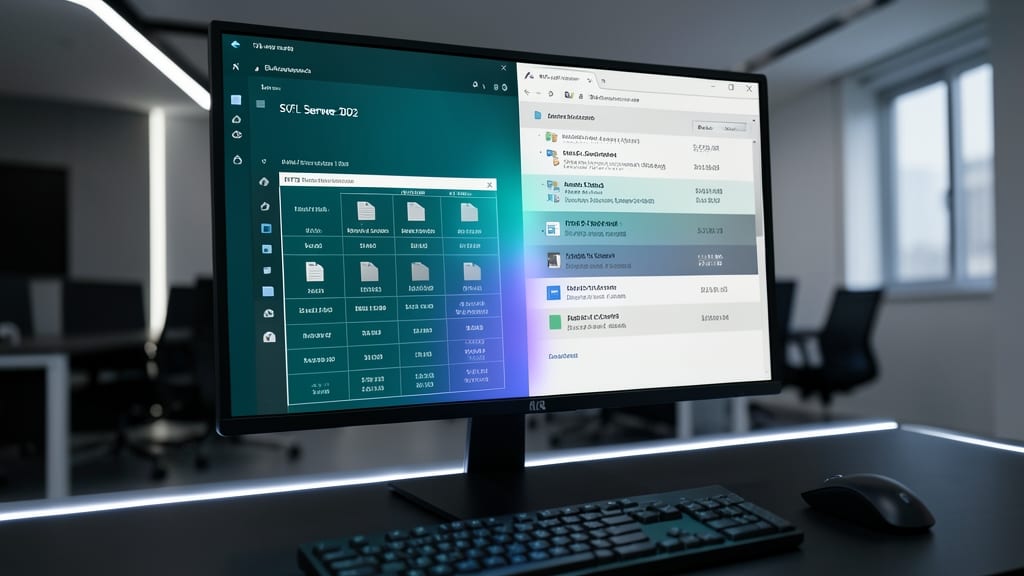
Tired of juggling file systems and databases separately? FileTable bridges that gap by embedding the NTFS file system directly into SQL Server tables, treating documents like rows while preserving all file metadata (permissions, versions, and properties).
With FileTable, you get zero-configuration file system integration—documents appear in Windows Explorer as folders but are stored as BLOBs in SQL Server. Need to query file metadata alongside relational data? Just use standard T-SQL. The FILESTREAM technology underneath ensures fast I/O while keeping files accessible through standard file APIs.
This hybrid approach is perfect for content management systems or document-heavy applications where you need both relational queries and file system features. No more syncing between databases and file shares! 💻
SQL Server Data Quality Services
Merging data from legacy systems with mismatched formats used to mean months of manual cleanup—but SQL Server Data Quality Services (DQS) automates this nightmare. This built-in toolkit includes data profiling, cleansing rules, and fuzzy matching algorithms to standardize everything from addresses to product codes across disparate sources.
The DQS client lets you define business rules (like "US ZIP codes must be 5 digits") and apply them to datasets with a few clicks. Its matching engine handles fuzzy logic—finding "John Doe" even when spelled "Jon D."—while the knowledge base stores domain-specific terminology (e.g., "NY" vs. "New York"). For enterprises consolidating CRM, ERP, or customer databases, this cuts reconciliation time by 70%+.
Perfect for data governance teams or BI analysts wrestling with messy integrations, DQS integrates seamlessly with SSIS for pipeline workflows. No third-party tools needed—just point, clean, and trust the results. ✨