
Software
Microsoft SQL Server Management Studio (SSMS) has evolved significantly, adding critical features for database administrators. This list tracks the key upgrades from SSMS 17.9 to the latest version, helping professionals stay current with performance, security, and usability improvements.
SQL Server Management Studio 17.9
If you're upgrading from older SSMS versions, 17.9 marks the turning point where Microsoft finally bridged the gap between on-prem and cloud management. This version introduced native Azure SQL Database integration, letting you manage cloud databases alongside local instances from a single interface—a game-changer for hybrid environments.
The real productivity boost comes from enhanced IntelliSense, now smarter about context-aware suggestions and table/column autocompletion. You’ll also appreciate the streamlined query editor with improved syntax highlighting and error detection, reducing debugging time. Compatibility spans SQL Server 2016-2017, making it the safest upgrade path for legacy systems.
This version is perfect for DBAs transitioning from SSMS 17.4 or earlier, especially those working with Azure SQL. The cloud integration alone justifies the upgrade for teams adopting hybrid cloud strategies. ✨
SQL Server Management Studio 18.0

If your team just upgraded to SQL Server 2017 but found older SSMS versions struggling with new features, SSMS 18.0 was the game-changer you needed. This was Microsoft’s first major release to fully embrace SQL Server 2017’s capabilities, including Graph Tables and Adaptive Query Processing, while fixing compatibility gaps that plagued earlier versions.
The real standout was its enhanced query performance insights, with a revamped Execution Plan tool that now surfaces hidden bottlenecks like missing indexes or inefficient joins. You could also compare live and historical execution plans side-by-side—a feature that saved countless hours debugging slow queries. For teams migrating from older SQL Server versions, the improved backward compatibility mode ensured smooth transitions without breaking existing scripts.
This version was especially valuable for enterprise DBAs and performance tuning teams who needed to validate SQL Server 2017’s new features in production. The tighter integration with Azure Data Studio also made hybrid environments easier to manage. ⚡
SQL Server Management Studio 18.1
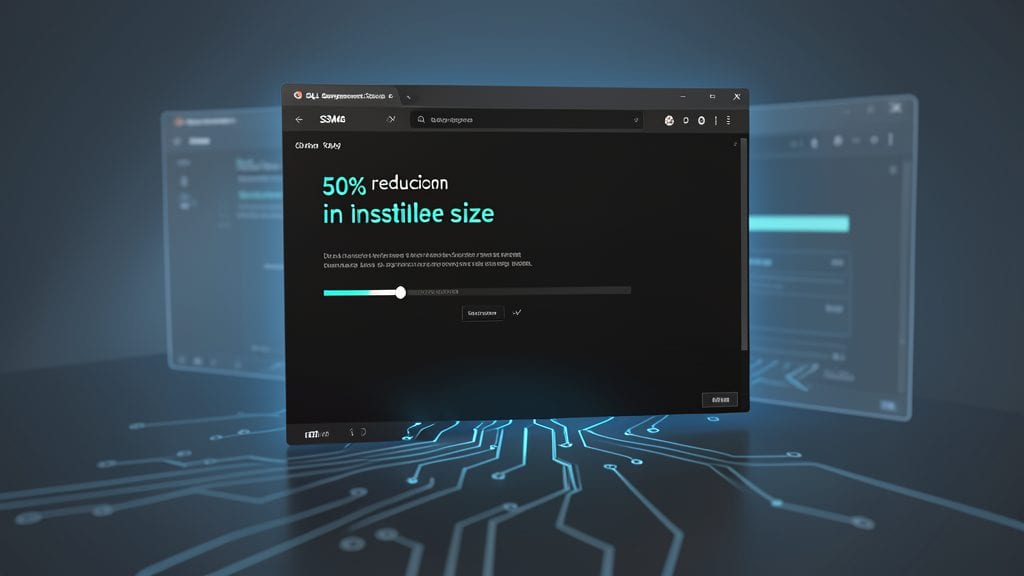
If you’ve ever struggled with bloated SSMS installers clogging your CI/CD pipelines, SQL Server Management Studio 18.1 is the game-changer you’ve been waiting for. Microsoft slashed the installation size by 50% while keeping every core feature intact, making it the first version optimized specifically for developers and DevOps workflows.
The lightweight deployment option strips away unnecessary components, reducing the installer from ~1.5GB to just 750MB—without sacrificing functionality. You still get full SQL Server 2017/2019 support, IntelliSense, and query performance tools, but now with zero bloat to slow down your deployment pipelines. The installer also includes a "Customize" option to fine-tune exactly what gets installed, perfect for containerized environments.
This version is a must for DevOps engineers and database developers running automated builds, where every megabyte counts. It’s also ideal for teams using Docker or Kubernetes, as the smaller footprint fits better in container images. 💻
SQL Server Management Studio 18.5

If your enterprise relies on both on-premises SQL Server and Azure cloud databases, SSMS 18.5 bridges the gap with Azure Arc support—finally letting you manage hybrid environments from a single interface. This isn’t just another incremental update; it’s a game-changer for teams juggling legacy systems and modern cloud deployments.
The version introduces real-time query store visualization, making it easier to diagnose performance bottlenecks with interactive charts and filters. Plus, Azure Arc integration lets you extend SQL Server governance to on-premises data centers, applying the same policies and security controls as Azure SQL. For enterprises, this means unified management without sacrificing control or performance.
This update is a must for database administrators and cloud architects managing hybrid infrastructures. If you’ve been stuck toggling between tools for on-prem and cloud, SSMS 18.5 streamlines the workflow—no more context-switching. ✨
SQL Server Management Studio 19.0

If you're managing SQL Server 2019 big data clusters, SSMS 19.0 is the first version to unlock their full potential. This release bridges the gap between traditional relational databases and modern big data workloads, giving data engineers the tools they need to work seamlessly with polyglot persistence environments.
The standout features include native support for SQL Server 2019 big data clusters, allowing you to manage and query large-scale data sets without leaving the familiar SSMS interface. For automation-heavy workflows, the enhanced PowerShell scripting capabilities let you integrate database operations directly into your DevOps pipelines. Plus, the improved query execution plans now include detailed insights for big data workloads, helping you optimize performance more effectively.
This version is a game-changer for teams dealing with mixed data architectures, where relational and non-relational data coexist. Whether you're running analytics on petabytes of data or automating deployments, SSMS 19.0 streamlines the process. ⚡
SQL Server Management Studio 19.1

Tired of squinting at bright screens while debugging Python scripts in SQL Server? SSMS 19.1 introduced a dark theme that finally makes long coding sessions comfortable, while also boosting productivity with smarter Python script support.
The update refined IntelliSense for Python to work seamlessly with SQL Server Machine Learning Services, offering autocomplete for data science libraries like Pandas and Scikit-learn. This bridges the gap between SQL and Python workflows, letting you test models directly in your familiar SSMS environment.
Data scientists working with SQL Server's ML tools will find this version a game-changer, especially when combining T-SQL with Python for predictive analytics. The dark theme alone makes it worth upgrading for anyone dealing with complex scripts late at night. ✨
SQL Server Management Studio 19.2

If compliance and security are your top priorities, SQL Server Management Studio 19.2 delivers exactly what you need with its SQL Server 2022 compatibility and enhanced security scanning tools. This version bridges the gap between legacy systems and modern compliance requirements, making it a game-changer for industries like finance and healthcare.
The standout feature is the built-in vulnerability assessment dashboard, which scans databases for misconfigurations, exposed data, and compliance gaps against frameworks like GDPR, HIPAA, and PCI DSS. You’ll also get native support for SQL Server 2022’s new features, including ledger tables for immutable audit logs and enhanced query store capabilities for performance tuning.
This version is a must for database administrators in regulated industries who need to balance security with productivity. The seamless integration with Azure Policy ensures your on-premises and cloud environments stay aligned with governance policies. ✨
SQL Server Management Studio 20.0
If you're bridging the gap between traditional SQL Server and modern cloud analytics, SQL Server Management Studio (SSMS) 20.0 is your bridge. This version marks Microsoft's first deep integration with Azure Synapse Analytics, letting you manage Synapse workspaces directly from SSMS without jumping between tools.
The real game-changer is the built-in query tuning advisor, which now analyzes Synapse workloads alongside SQL Server queries. You get real-time performance recommendations for both environments, with a unified interface for viewing execution plans. The Synapse workspace connection feature lets you deploy, monitor, and debug pipelines—all from the familiar SSMS interface you already know.
This version is a must for data engineers and analytics professionals migrating to Synapse or working with hybrid data architectures. The seamless transition from SQL Server to Synapse makes it the ideal choice for teams modernizing their data platforms. ✨
SQL Server Management Studio 20.1
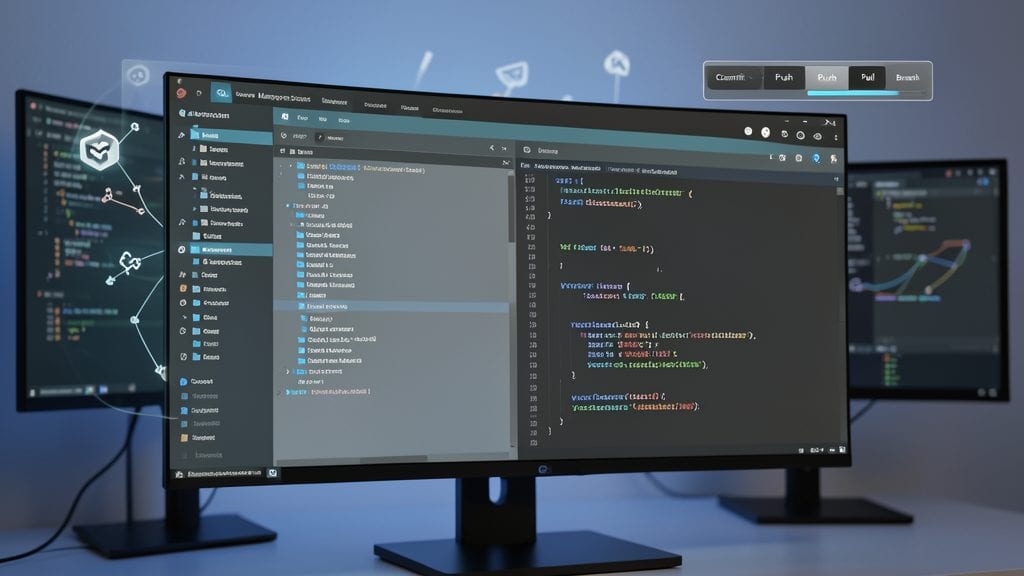
If you're managing database scripts in a DevOps workflow, SQL Server Management Studio 20.1 brings game-changing Git integration directly into your toolset. This version bridges the gap between database development and modern version control, letting you track script changes alongside your application code.
The native Git support lets you push, pull, and commit database scripts from within SSMS, with full Azure DevOps compatibility. Meanwhile, the enhanced JSON editor now includes schema visualization, making it easier to debug complex NoSQL-style data structures. These features work seamlessly with SQL Server 2022 and Azure SQL Database, ensuring your workflow stays current with Microsoft's latest cloud offerings.
DevOps teams and database administrators using Azure DevOps will find this version particularly valuable, as it eliminates the need for external tools to manage database schema changes. The integration with familiar Git workflows makes collaboration smoother than ever. ✨
Latest SQL Server Management Studio Version (2023 Preview)
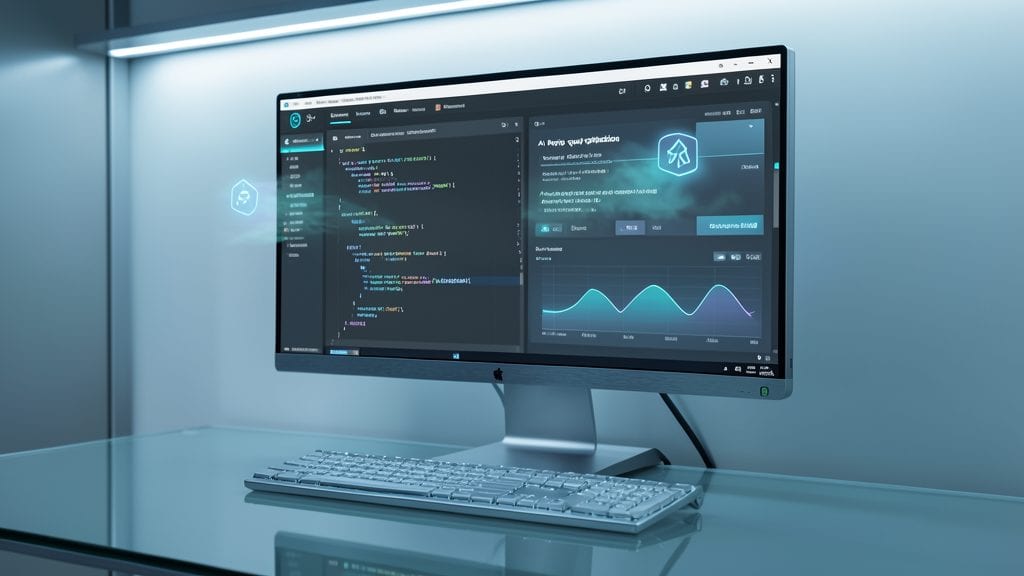
If you're ready to push SQL Server management into the future, the 2023 Preview of SSMS brings AI-powered query optimization straight to your query editor. This isn't just another incremental update—it's Microsoft's first glimpse of how machine learning will reshape database administration, with real-time suggestions for indexing, query rewrites, and even performance bottlenecks you might have missed.
The preview also introduces containerized deployment support, letting you spin up SSMS environments in Docker containers with a single command. This is a game-changer for developers testing new features or DevOps teams needing consistent tooling across CI/CD pipelines. Under the hood, you'll find experimental support for SQL Server 2025 preview features, including advanced polybase scenarios and enhanced security baselines—perfect for those who want to stay ahead of the curve.
This version is built for early adopters and developers experimenting with next-gen SQL Server capabilities. Just remember: it's still in preview, so save your work often and test thoroughly before deploying to production. 🌟