
Software
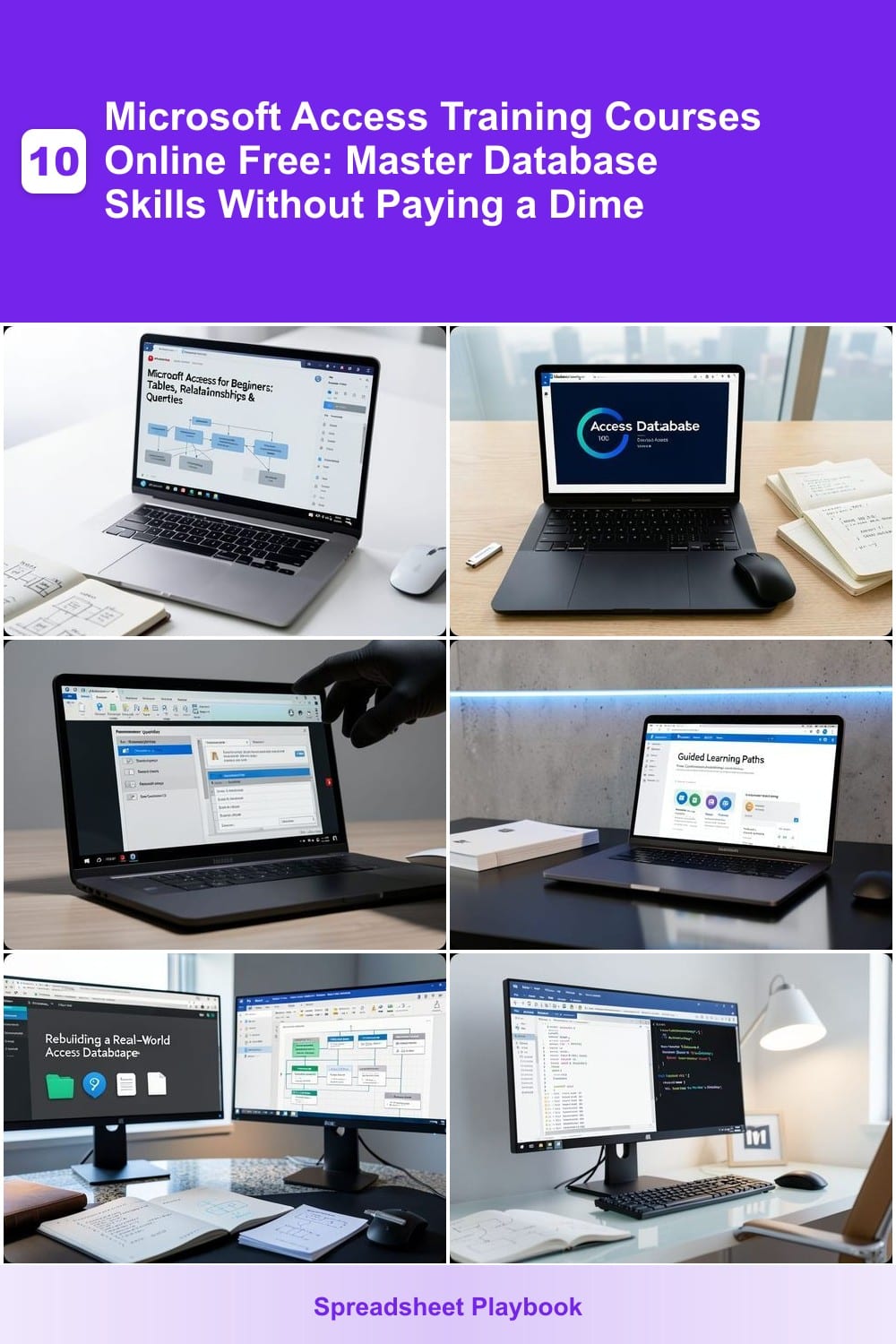
Struggling to learn Microsoft Access but don't want to spend money? These seven free online courses and tutorials will teach you database fundamentals, queries, forms, and reporting—all without breaking the bank. Perfect for beginners and professionals looking to upskill without enrollment fees.
Microsoft Access Beginner Tutorial for Absolute Beginners
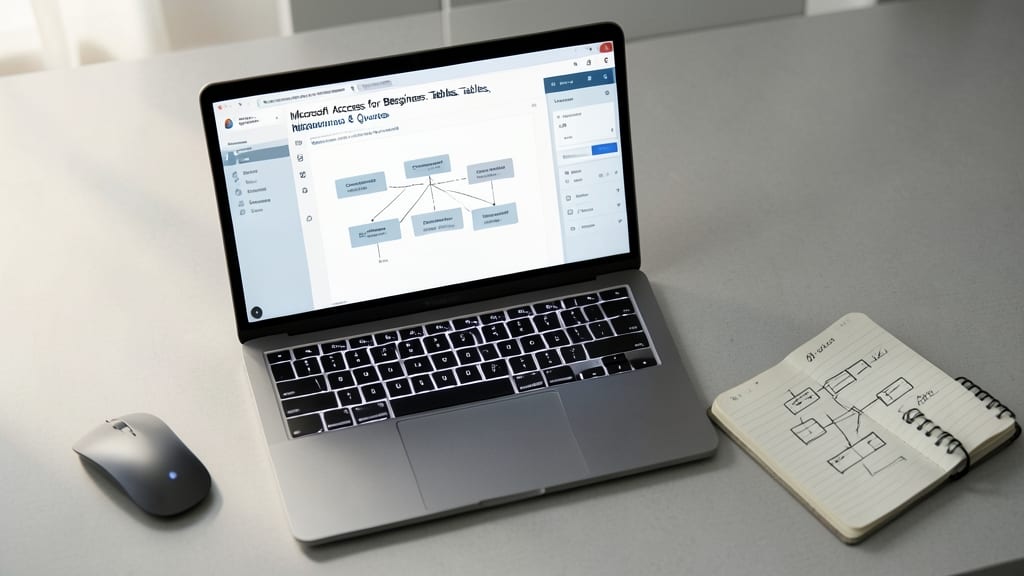
Stuck staring at Microsoft Access for the first time, wondering where to start? This step-by-step video series breaks down the fundamentals—tables, relationships, and queries—in plain English, designed specifically for those with zero database experience. No jargon, no assumptions about prior knowledge.
The tutorial walks you through creating your first database from scratch, explaining how to set up one-to-many relationships between tables (like customers and orders) and build simple queries to extract exactly the data you need. Each lesson includes real-world examples, such as tracking inventory or managing contacts, so you see immediate value. The visual, screen-captured format ensures you follow along without confusion.
Perfect for small business owners, students, or office workers who need to organize data but don’t want to wade through technical manuals. Start building functional databases today—no prior skills required! ✨
Free Access Database Course from LinkedIn Learning
Need a structured, professional-grade Microsoft Access course without the price tag? LinkedIn Learning’s free 3-hour Access Database course delivers a polished, project-based learning experience—no fluff, just hands-on mastery.
The course covers real-world scenarios like building a customer relationship database from scratch, designing parameter queries, and creating dynamic reports. You’ll work with pre-built datasets and step-by-step exercises that mirror workplace tasks, ensuring skills translate directly to your projects. The 3-hour runtime balances depth and efficiency, making it ideal for busy professionals.
Perfect for small business owners, office admins, or analysts who need a certification-worthy skill set—this course turns theory into actionable projects faster than generic tutorials. 💡
YouTube Crash Course on Access Queries and Forms
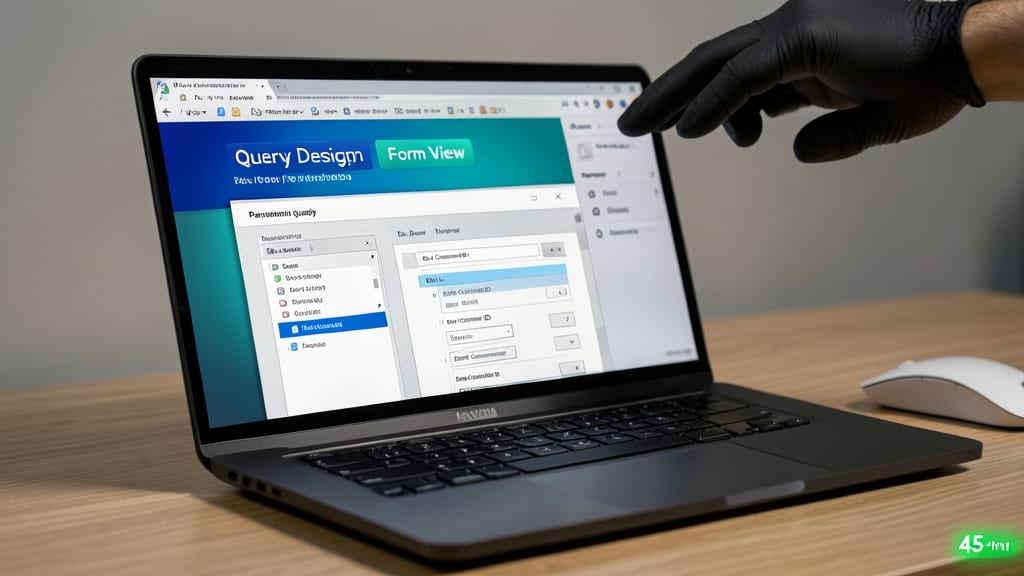
If you learn faster by watching than reading manuals, this 45-minute YouTube crash course is your shortcut to mastering Access queries and forms—no fluff, just hands-on techniques. The instructor skips theory and dives straight into creating parameter queries, designing intuitive forms with subforms, and applying filters like a pro.
You’ll see real-time demonstrations of query joins, conditional formatting in forms, and even how to use the Report Wizard to turn data into professional outputs. The video’s fast-paced style keeps visual learners engaged while covering exactly what you need to build functional databases quickly.
Perfect for small business owners or students who need to create a database fast—this course gives you the confidence to tackle projects without getting bogged down in lengthy tutorials. 💻
Microsoft Official Access Training (Free Guided Paths)
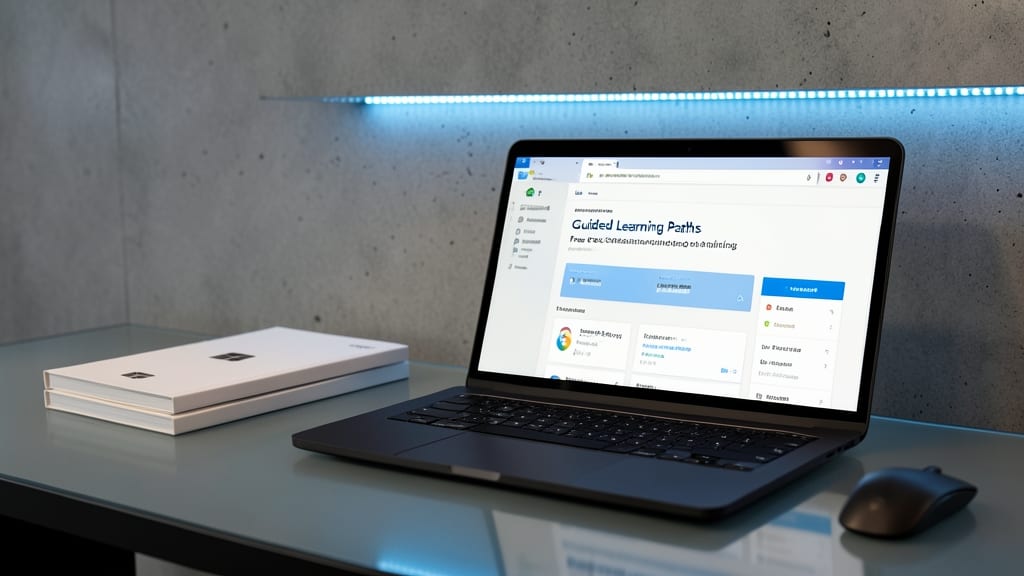
Want to learn Microsoft Access straight from the source without spending a dime? Microsoft’s official guided learning paths on Microsoft Learn provide a structured, certification-aligned journey—no ads, no upsells, just pure, interactive training.
This free, self-paced program starts with database fundamentals (tables, relationships, and queries) and scales up to advanced macros and VBA automation. Each module includes hands-on exercises, real-world scenarios, and progress tracking—perfect for building a portfolio-ready skill set. The content aligns with Microsoft’s certification exams, so you’re not just learning for fun; you’re preparing for industry-recognized credentials.
Ideal for data analysts, small business owners, or career switchers, this path ensures you grasp Access’s full potential—from simple reports to complex automation—all while earning a Microsoft Learn completion badge to showcase your skills. ✨
Free Access Database Projects for Practice
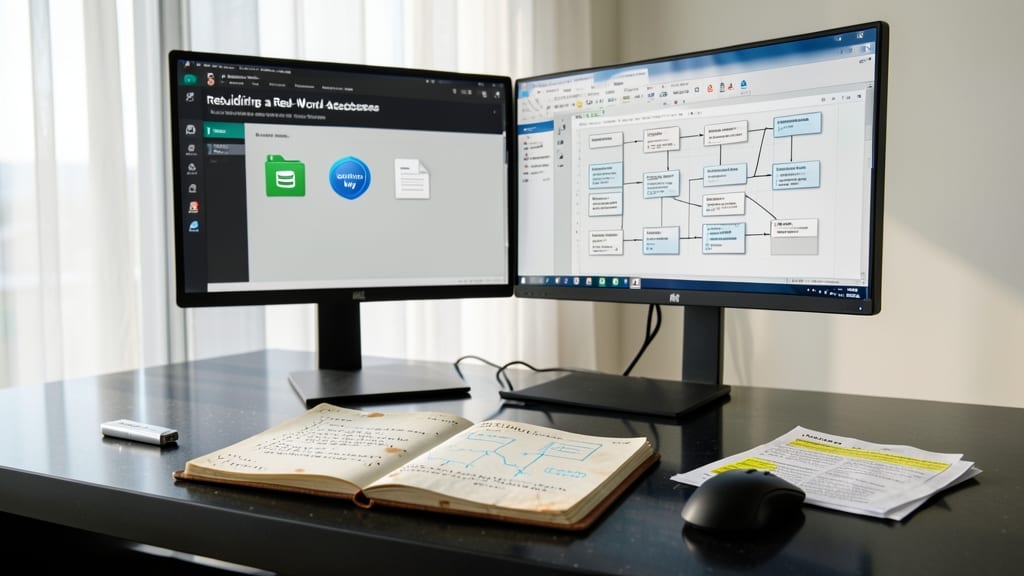
Tired of watching tutorials but still unsure how to apply what you’ve learned? Free Access database projects let you practice by rebuilding real-world databases—complete with downloadable files and solution keys.
Platforms like GitHub and Microsoft’s official samples library offer projects ranging from inventory trackers to customer relationship databases, all designed for hands-on learning. You’ll get fully functional .accdb files to dissect, modify, and recreate—perfect for mastering relationships, queries, and forms without guesswork.
Ideal for learners who thrive by doing, these projects turn theory into practice. Whether you’re managing a small business or prepping for certifications, rebuilding these databases will solidify your skills faster than passive learning. 💻
Access VBA Basics for Automation Free Tutorial
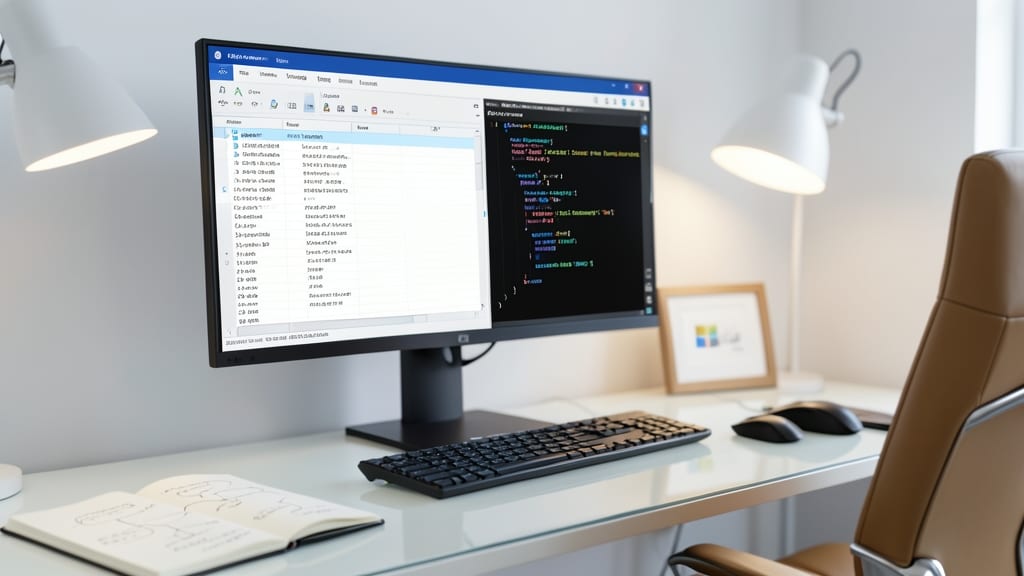
Ready to take your Microsoft Access databases from manual to automated? This free VBA Basics for Automation tutorial from Microsoft’s official documentation teaches you how to write scripts that handle repetitive tasks—like generating reports or updating records—with just a few lines of code.
The tutorial starts with zero-config setup and covers core VBA concepts like variables, loops, and event handling. You’ll learn to create a simple macro that auto-fills forms or runs queries without manual input, saving hours on routine work. The step-by-step examples use real-world scenarios, like inventory tracking or customer management, so you can apply skills immediately.
Perfect for power users who want to push Access beyond its limits, this resource is ideal if you’re comfortable with basic database tasks but want to level up with automation. 💻
Community-Driven Access Help and Forums

When you hit a roadblock in Access and tutorials leave you stuck, community forums become your secret weapon. Platforms like the Microsoft Access Forum and Stack Overflow’s Access tag host thousands of real-world solutions—from fixing corrupted databases to optimizing complex queries.
Users share step-by-step troubleshooting guides, working VBA snippets, and project-specific feedback that official docs often miss. The searchable archives let you find answers in seconds, while active threads mean fresh insights for niche issues like Access 365 compatibility or legacy database migration.
Perfect for intermediate users who’ve mastered the basics but need help refining projects—think small business owners or freelancers debugging client databases. 💻