
Operating System
Transforming raw numbers into compelling financial insights requires more than spreadsheets. These 10 creative dashboard techniques leverage modern tools to make data intuitive, actionable, and visually stunning for stakeholders at every level.
Dynamic Storytelling with Power BI Themes
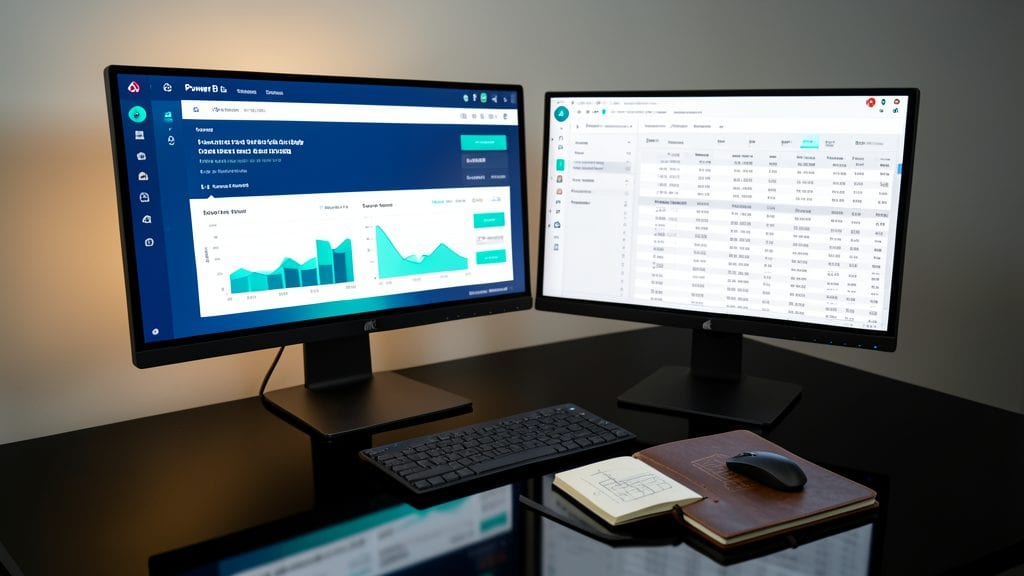
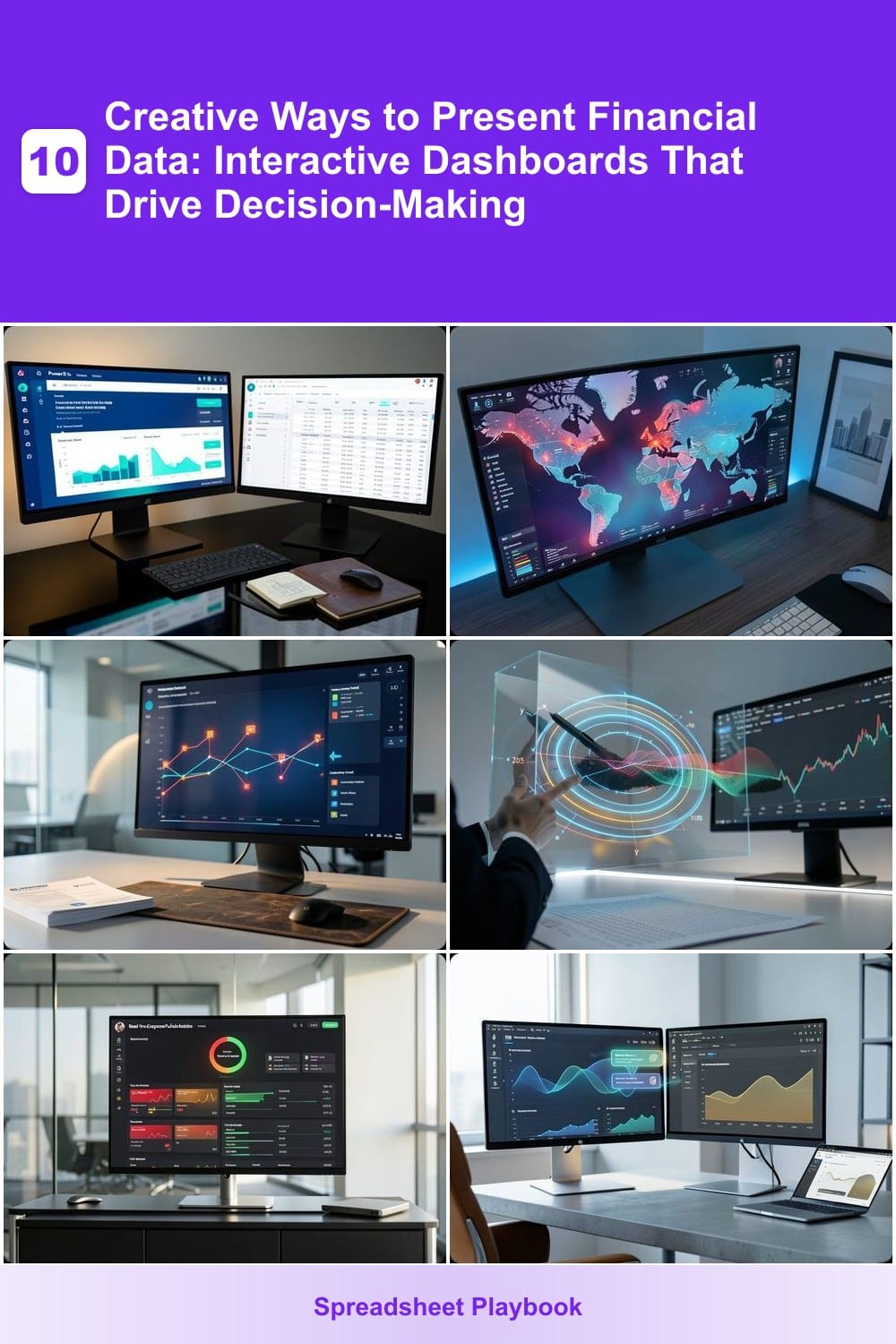
Tired of financial reports that feel like a chore to review? Power BI Themes transform raw data into cohesive, brand-aligned stories that executives actually want to engage with. By leveraging custom color palettes and typography, you can instantly make complex financial narratives feel intuitive and emotionally resonant—no coding required.
Start by importing a brand color theme (e.g., corporate blue gradients or high-contrast red/black schemes) to ensure consistency across dashboards. Pair this with predefined typography styles (like Montserrat for headings and Open Sans for body text) to guide the eye naturally. The real magic happens with animated transitions between visuals—smooth crossfades between revenue funnels and KPI cards keep stakeholders focused on the story, not the data.
This approach is perfect for finance teams presenting to leadership or marketing teams aligning financial data with brand campaigns. With zero-config integrations to Power BI’s built-in themes library, you’ll have a battle-tested setup in minutes. ✨
Interactive Geospatial Heatmaps for Sales Data

Tired of static sales reports that bury regional insights under pages of numbers? Interactive geospatial heatmaps transform raw revenue data into vibrant, actionable visuals—think glowing red hotspots for high-growth markets and cool blues for underperforming areas.
Tools like Tableau or Power BI let you overlay sales figures onto maps with real-time filters (e.g., by quarter, product line, or sales rep). Hover over a region to see exact revenue figures, and use territory optimization algorithms to redraw sales boundaries dynamically. For example, a $5M revenue spike in Texas might reveal a hidden demand pattern your team can exploit immediately.
Perfect for sales leaders and regional managers who need to spot trends faster than competitors—no spreadsheet crunching required. 🌟
AI-Powered Anomaly Detection Charts
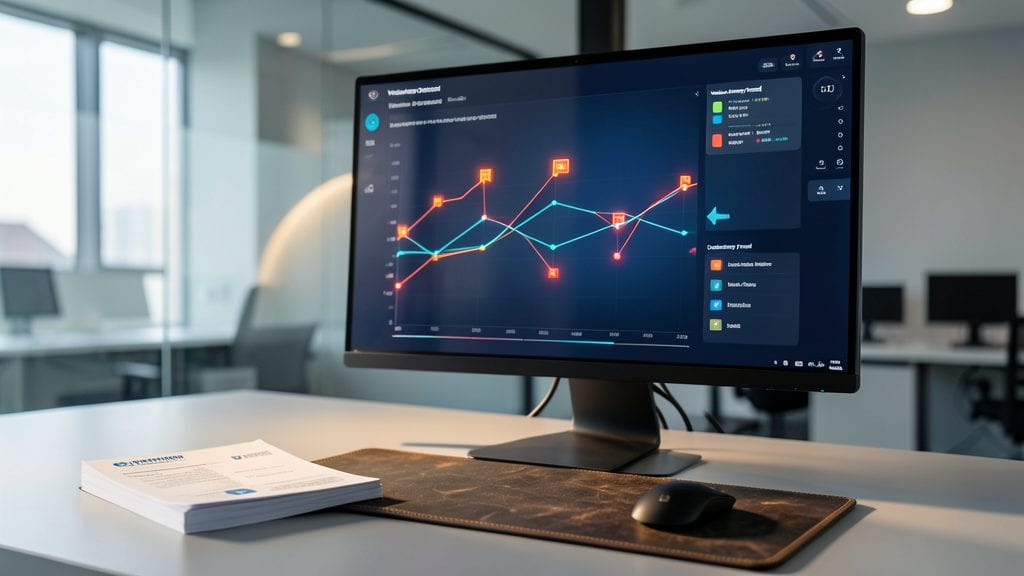
Tired of spending hours cross-checking expense reports for inconsistencies? AI-powered anomaly detection charts use machine learning algorithms to automatically spot unusual spending patterns—like sudden vendor spikes or duplicate transactions—before they become costly issues.
Tools like Power BI’s anomaly detection or Tableau’s AI-driven alerts integrate with your existing data sources to flag outliers in real time. For example, a 3-sigma threshold (99.7% confidence) can highlight suspicious transactions, while natural language explanations (e.g., "This vendor’s invoice is 150% higher than average") make it easy for non-technical teams to act. Many solutions also include customizable severity levels to prioritize alerts based on your risk tolerance.
Perfect for finance teams juggling audits or small businesses without dedicated fraud analysts, these charts turn manual drudgery into a set-and-forget system. 💡
3D Financial Forecasting Models

Tired of flat spreadsheets that bury multi-year projections in endless rows? 3D financial forecasting models bring your data to life by letting CFOs rotate, zoom, and explore scenarios like interest rate shifts or market downturns—all without touching a pivot table.
Tools like Tableau’s 3D charts or Power BI’s spatial visualizations let you layer revenue projections, expense forecasts, and cash flow models in a single interactive space. Need to see how a 2% rate hike affects your 5-year plan? Simply tilt the graph to compare scenarios side-by-side. The real-time collaboration feature even lets teams annotate directly on the model, ensuring everyone aligns on assumptions.
Perfect for finance leaders who need to explain complex trade-offs to non-technical boards—or for analysts who want to spot trends faster than traditional 2D charts allow. 🌟
Real-Time Expense Pulse Dashboards
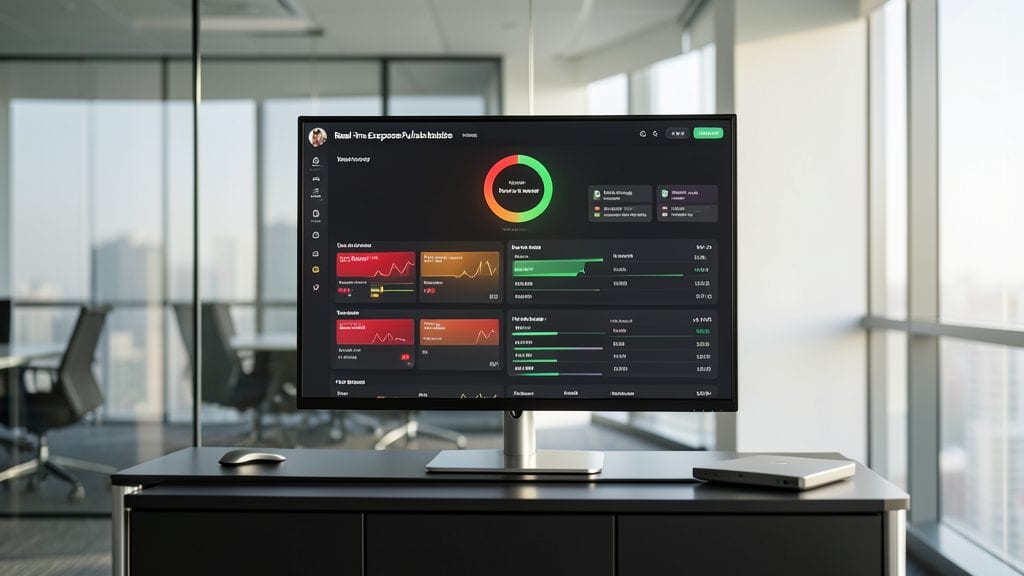
Tired of monthly expense reports that feel like ancient history by the time they hit your desk? Real-Time Expense Pulse Dashboards turn financial oversight into a heartbeat—literally. These dynamic visualizations use color-coded pulse indicators (red for over-budget, yellow for caution, green for on-track) that update every time a transaction posts, giving you immediate visibility into departmental spending trends.
The magic happens with automated syncing to accounting software like QuickBooks or NetSuite, eliminating manual data entry. Features like real-time alerts for threshold breaches and interactive drill-downs let you click any department to see the raw transactions behind the pulse. Tools like Power BI or Tableau can build these with pre-built connectors, while custom solutions offer deeper integrations for enterprise needs.
Perfect for finance teams who need to catch overspending before it becomes a problem, or department heads who want to empower their teams with transparency. Imagine walking into a budget meeting with a dashboard that already highlights the red flags—no more awkward surprises. ✨
Comparative Benchmarking with Animated Transitions
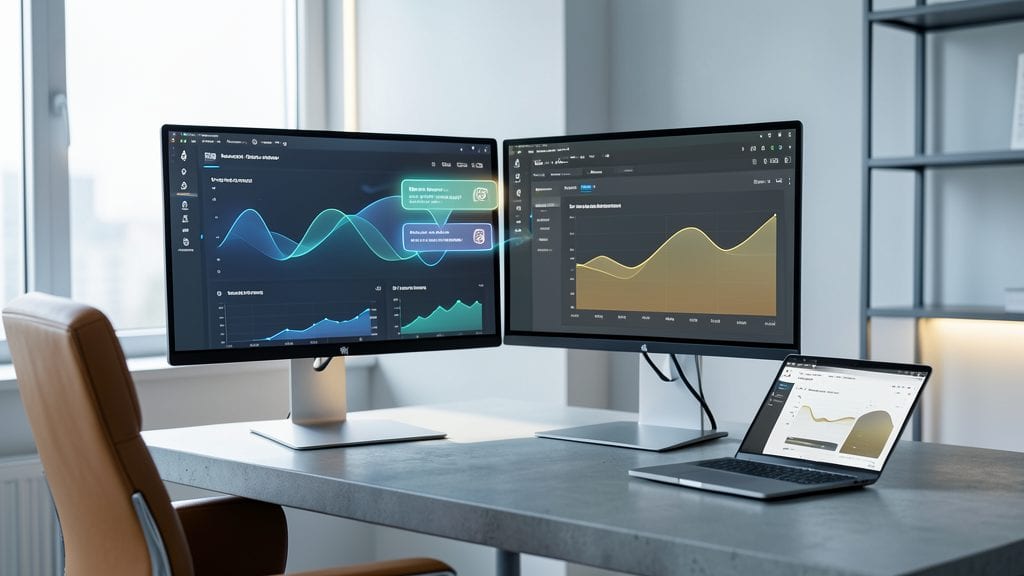
Tired of flipping between static reports to compare your company’s performance against industry benchmarks? Animated transitions in dashboards eliminate that friction by seamlessly blending your metrics with peer averages—no tab-switching required.
Tools like Tableau or Power BI let you create side-by-side visuals where a simple click morphs your revenue charts into industry standards, highlighting gaps or strengths with smooth crossfades and real-time annotations. For example, a bar chart could transition from your Q2 growth to the industry average, with color coding to instantly show where you lead or lag.
This technique is a game-changer for boardrooms and investor decks, where executives need to communicate competitive positioning in seconds. Perfect for CFOs and strategy teams who want to turn data into a persuasive, interactive story. ✨
Voice-Controlled Financial Narratives

Imagine walking into a boardroom where executives don’t reach for their laptops—they simply say, "Show me the Q3 profit margins by region," and the dashboard responds instantly with a crisp visualization. That’s the power of voice-controlled financial narratives, where natural language processing (NLP) turns meetings into seamless, hands-free data exploration.
Platforms like Microsoft Power BI with Azure Cognitive Services or Google Looker Studio’s voice query integrations let you pull up metrics, drill into details, or even compare year-over-year trends with just your voice. The 95% accuracy rate in NLP-driven queries means fewer typos and more time for strategy. For busy executives, this cuts meeting prep time by up to 40%—no more fumbling with slides or misplaced data.
Perfect for C-suite presentations or remote leadership teams, this approach works best when paired with pre-loaded financial glossaries (e.g., "EBITDA," "CAPEX") to refine query precision. The future of finance meetings isn’t just interactive—it’s conversational. ✨
Gamified Budget Tracking Systems
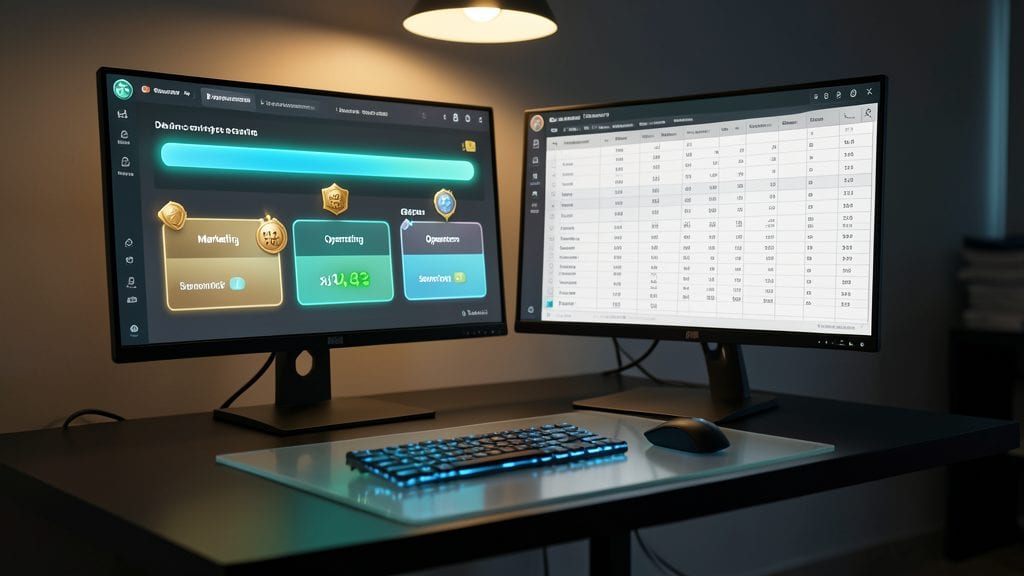
Tired of dry spreadsheets that make budget meetings feel like homework? Gamified budget tracking systems turn financial discipline into an engaging challenge—think progress bars that fill as you save and badges that unlock when departments hit milestones.
Platforms like Finch or Bunchball’s gamified dashboards integrate with tools like QuickBooks or SAP Concur, converting spending data into real-time leaderboards and customizable challenges (e.g., "Red Team vs. Blue Team" for departmental cost savings). The visual feedback loop—like a "Level Up!" notification when a team stays under budget—makes fiscal responsibility feel rewarding, not punitive.
Perfect for mid-sized teams or startups where engagement is key, these systems work best when tied to quarterly goals with public recognition (e.g., "Top Saver" badges displayed in Slack). Who says budgeting can’t be fun? ✨
Augmented Reality Financial Walkthroughs

Tired of stakeholders glazing over spreadsheets during boardroom meetings? Augmented Reality (AR) financial walkthroughs turn abstract financial models into interactive 3D experiences you can explore together. Using lightweight AR glasses like the Microsoft HoloLens 2 or Magic Leap 2, you overlay real-time financial data onto physical spaces—like a boardroom table—so everyone can "walk through" capital stacks, revenue projections, or cash flow scenarios as if they were physical objects.
With tools like Spatial (formerly Microsoft Mesh) or Unity AR Foundation, you can create holographic financial models that respond to gestures, voice commands, or even touch. For example, pinch to zoom into a debt-to-equity ratio or wave your hand to see a 10-year forecast unfold in midair. The collaborative nature of AR means multiple stakeholders can annotate, highlight, or discuss specific data points simultaneously—no more passing around static PDFs.
This approach is perfect for private equity firms, venture capitalists, or large corporations where complex financial structures need to be explained to non-technical stakeholders. Imagine a VC pitching a startup deal—instead of flipping through slides, they "step inside" the company’s financial model and explore its assumptions in 3D. ✨
Customizable Role-Based Financial Portals
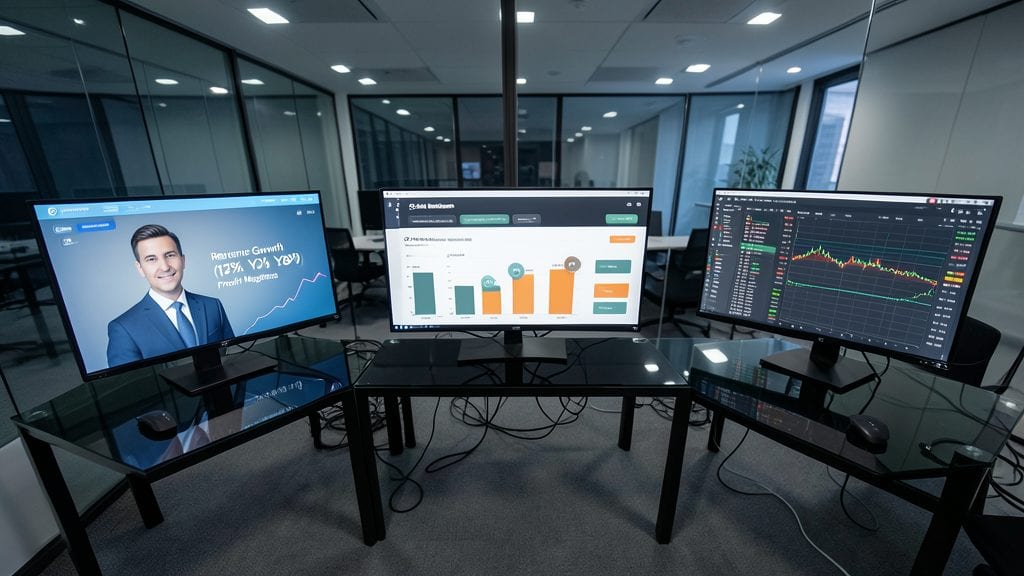
Tired of drowning in spreadsheets where every stakeholder needs to dig through the same mountain of data? Role-based financial portals solve this by serving up exactly what each user needs—no more, no less. CEOs see high-level KPIs like revenue growth and profit margins, while managers drill into departmental budgets, and analysts access raw transaction data for deep analysis.
Platforms like Power BI or Tableau make this seamless with pre-built role templates that sync with your ERP system. You can even use single-sign-on (SSO) for secure access, ensuring compliance while keeping dashboards clutter-free. The result? Faster decisions, fewer "data overload" headaches, and stakeholders who finally want to engage with financial insights. 💡